
Website Trust Signals for Small Business: What Actually
30 September 2026
Why Visitors Leave Before They Even Read Your Services
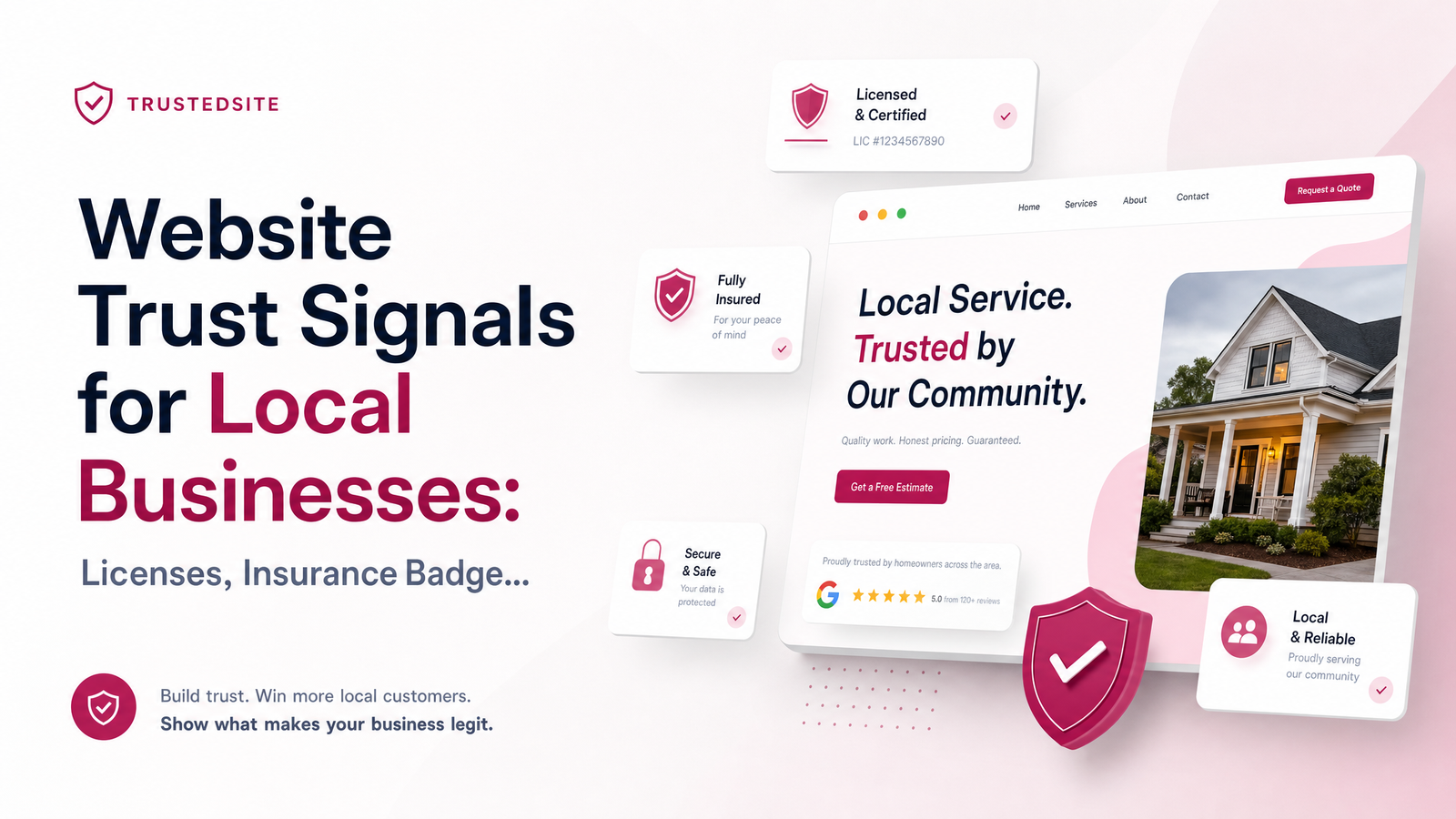
A visitor lands on your homepage, scans for ten seconds, and decides whether you're legitimate before reading a word of your services. That's why website trust signals for small business owners matter more than almost any other design decision you'll make. If nothing on the page confirms you're licensed, insured, reviewed, or real, visitors bounce to a competitor who made that judgment easier.
Design and credibility cues are consistently cited as major factors in whether a small business site converts or gets abandoned, according to compiled small business website statistics. Why visitors leave usually isn't slow load times or bad copy — it's a split-second failure to verify that a real, qualified business is behind the page. For contractors, clinics, and consultants, that verification has to happen almost instantly, since these are high-trust, often high-cost decisions. Someone hiring an electrician or booking a physiotherapist takes on real risk if they choose wrong, so the site's job is to remove doubt fast.
The good news: you don't need dozens of badges to fix this. You need the right few, placed where people actually look.
The Trust Signals That Are Legally Required (Not Optional)
Before persuasion, check compliance. In several states, displaying your license number isn't a marketing choice — it's the law. California requires licensed contractors to include their license number in all advertising, and the CSLB explicitly confirms this covers websites, not just print ads or vehicle signage. Minnesota has a near-identical rule: the Minnesota DLI's residential contractor FAQ confirms license numbers must appear on all advertising, website included.
If you're a licensed trade — electrical, plumbing, HVAC, general contracting, roofing — check your own state licensing board rather than assuming this is optional. Skipping it isn't just a missed trust opportunity; it can mean fines or complaints. This is the one category here that isn't about conversion psychology at all — it's about the contractor license disclosure requirement your state may already have on the books. If you're gathering this for a new build, our website brief for contractors walks through exactly what to collect — license numbers, insurance certificates, and service areas — before a single page gets designed.
The Trust Signals Backed by Real Research
Once legal requirements are handled, focus only on signals with measurable impact. For local service businesses, that shortlist is short.
Reviews and star ratings carry the most weight. Consumer research compiled by BrightLocal consistently shows most people read online reviews before choosing a local business, and star ratings displayed on-site reinforce what they've already seen on Google. A homepage that pulls in your Google Business Profile reviews — even just three or four recent ones — does more for conversion than any static badge.
Insurance proof matters specifically for trades and home services, where a mistake on someone's property is a real financial risk to the customer. Referencing that you carry general liability insurance, and ideally showing a certificate or policy summary on request, reassures a homeowner letting a stranger into their house.
Industry certifications and association membership badges — a plumbers' association, a state bar for consultants, a licensing body for massage therapists — provide third-party validation. Research cited by Best Version Media on local trust signals found a meaningful share of consumers say third-party badges and certifications increase how much they trust a business. That's real, not decorative.
Visible contact information and real photos round out the list. A phone number in the header, a physical address if you have one, and actual photos of the owner or crew — not stock imagery — humanize a small business more than any icon. Nielsen Norman Group's usability research has repeatedly found real, specific imagery outperforms generic stock photography for perceived credibility, because visitors subconsciously detect stock photos and discount them.
Trust Signals That Backfire (Skip These)
Not every "trust" element helps — some actively hurt you. Countdown timers and fake urgency widgets ("only 2 slots left!") borrowed from e-commerce read as gimmicky on a plumber's or therapist's site — local buyers aren't in that mindset. Unverifiable superlatives like "the best in town" without a source attached invite skepticism rather than confidence.
Generic SSL/security badges are the biggest misfire. They matter for e-commerce checkout pages handling card data, but a local service site with just a contact form gains almost nothing from a padlock badge — visitors don't associate it with contractor quality. The answer to how to build trust without stockpiling irrelevant badges is: cut anything borrowed from a different business model. A wall of certification logos and generic trust icons crammed into the footer looks cluttered and, ironically, less credible than three well-chosen ones.
Where to Place Trust Signals on a Local Business Website
Placement determines whether a trust signal gets seen at all.
- Header or footer: license number and insurance mention — visible site-wide, not buried on a subpage, both for compliance and because visitors look here first.
- Homepage, above the fold or just below it: review stars and a couple of recent testimonials — this is where the ten-second judgment happens.
- About page: certifications, team photos, and your story — where visitors wanting deeper reassurance go looking.
- Service pages: relevant association badges specific to that service, rather than every badge on every page.
This mirrors how people actually browse: quick scan for legitimacy first, deeper verification only if already interested. Clinics and consultants can apply the same logic — our professional services and clinics page shows how credentials and reviews get built into that layout from the start, while trades can see the equivalent for contractor and trade websites.
A Quick Trust Signal Checklist
Use this to audit your current site or brief a new one:
- License number displayed site-wide, if your state requires it
- Insurance/bonding mentioned near your license info
- Google Business Profile reviews pulled onto the homepage
- One or two relevant certification or association badges — not a dozen
- Real photos of you or your team, not stock images
- Phone number and service area visible in the header
- No generic SSL badges unless you process payments on-site
- No fake urgency widgets or unverifiable claims
Trust badges for local business websites work best as a short, deliberate list — not a collage.
Frequently Asked Questions
Do I have to show my contractor license number on my website?
In many states, yes — it's a legal requirement, not just a suggestion. California's CSLB and Minnesota's Department of Labor and Industry both confirm license numbers must appear in all advertising, including websites. Check your specific state licensing board, since rules and penalties vary.
What's the difference between a trust badge and a certification badge?
A certification badge represents a verifiable credential — a license, association membership, or completed training — issued by a real third-party body. A generic trust badge, like a stock "secure site" icon, often carries no verifiable meaning and mainly borrows visual credibility from e-commerce conventions that don't apply to local service businesses.
Should I show my insurance policy details on my website?
You don't need to publish full policy numbers, but stating that you carry general liability insurance — and offering a certificate on request — reassures customers who are letting you into their home or business. This matters most for trades and in-person service providers where property or personal risk is involved.
Do reviews matter more than certifications for building trust?
For most local service businesses, yes — reviews and star ratings have the broadest measurable impact, since most consumers check them before choosing a business. Certifications and association badges add meaningful secondary trust, especially for regulated professions, but rarely outweigh a strong review base.
Can too many trust badges make my site look less credible?
Yes. A cluttered wall of logos, certifications, and generic security icons reads as trying too hard rather than genuinely credible. Choose three to five signals with real relevance to your trade and leave the rest off.
Where is the best place to put my license and insurance info on a homepage?
The header or footer, so it's visible on every page without visitors having to search for it. This satisfies legal display requirements for licensed trades and answers the credibility question the moment someone lands on your site.
Curious what your current homepage and about page are actually signaling — or missing? Get a free review of your trust signals, or if you're starting from scratch, see how Launchevra builds licensing, insurance, and review proof into every site from day one — check our pricing to get started.
Originally published on Rankevra.