
Website Not Generating Leads? Find Out Why in 15 Minutes
19 September 2026
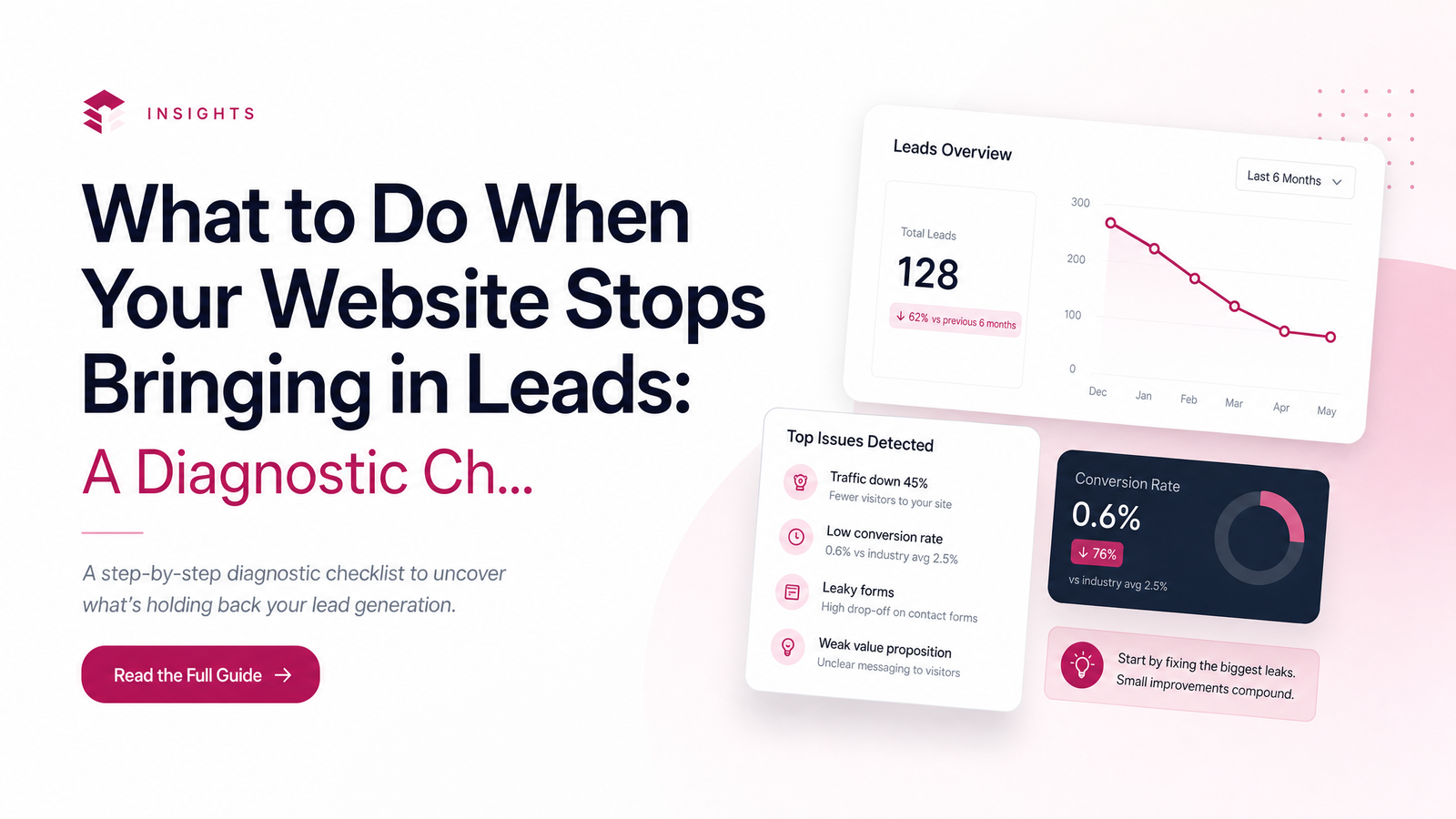
When a website that used to bring in calls and quote requests suddenly goes quiet, most owners jump to a conclusion: "Google changed something" or "I need a new website." Sometimes that's true. Often it isn't. A website not generating leads usually has one of three root causes — fewer people finding it, something broken that's stopping people who do find it, or a site that gets visitors but fails to convert them. Each has a different fix, and spending on the wrong one is how owners end up paying for ads or a redesign that doesn't move the needle.
This is a triage guide, not a full overhaul checklist. The goal is to help you figure out, in under 15 minutes, which of the three problems you actually have — before you hire anyone or spend a dollar.
Before You Panic: Figure Out Which Problem You Actually Have
Think of your website as a three-stage pipeline: people need to find it, the site needs to work technically, and once they land, it needs to convince them to call or fill out a form. A failure at any stage looks the same from the outside — "leads dried up" — but the cause and cure are completely different.
- Traffic problem: fewer people are reaching the site at all.
- Technical problem: people reach it, but something is broken so they can't act.
- Conversion problem: people reach it, everything works, but nothing convinces them to reach out.
Work through these in order. Traffic first, because if nobody's visiting, nothing else matters yet.
Step 1: Confirm People Are Even Reaching Your Site
Log into Google Search Console and Google Analytics (or Google Business Profile if that's all you have) and compare the last three months of clicks, impressions, and page views to the same period last year. A genuine traffic drop shows up as a clear downward line, not just day-to-day noise.
Two things can cause this that have nothing to do with your site being "worse." A Google core algorithm update can reshuffle rankings for reasons unrelated to content quality, and AI Overviews increasingly answer queries directly in search results, reducing clicks even when your ranking hasn't dropped. If Search Console impressions are flat but clicks are falling, that's often the AI Overviews effect, not a penalty.
Also check Google Business Profile views and calls — for local businesses, this can carry more of the "discovery" load than the website itself. If profile views are steady but website clicks fell, your local presence is fine and the issue lives elsewhere. If both are down, you likely have a genuine visibility gap, pointing toward SEO and structural fixes rather than anything technical. If that's your diagnosis, Website Structure for Local Business SEO: The Full System is the deeper next step, and if the weakness is your online presence beyond just the site, How to Build an Online Presence for Your Local Business covers the wider fix.
Step 2: Test Whether Your Site Is Actually Broken
If traffic looks normal but leads still stopped, test the mechanics yourself. This step feels too simple to bother with — but a broken contact form or dead phone link is one of the most common, and most embarrassing, lead killers, and it can sit broken for weeks before anyone notices.
Run this checklist now, from your own phone and laptop:
- Submit your own contact form and confirm you receive the email or notification.
- On your phone, tap your listed phone number and confirm it actually dials.
- Load your homepage on mobile data (not wifi) and time how long it takes to become usable — anything over a few seconds is losing visitors.
- Look at your site on an actual phone screen, not just by resizing a browser — check for text overlapping buttons, images that don't load, or menus that won't open. This is a silent killer because desktop always looks fine.
- Check for a browser warning about an expired SSL certificate, and confirm your hosting or domain renewal hasn't lapsed.
Any single failure here can fully explain a lead drought, even with steady traffic. Mobile speed matters especially because most local searches happen on a phone, often while someone's actively deciding who to call.
Step 3: Check Whether Visitors Are Landing but Not Converting
If people are arriving and the site works mechanically, the problem is likely conversion. Check your conversion rate — form submissions or calls divided by total visitors — in Google Analytics. Small local business sites typically convert in the low single digits; if yours has dropped well below that while traffic held steady, that's your answer. A rising bounce rate on your main service pages, where visitors leave almost immediately, tells the same story.
Beyond the numbers, walk through your own site as a stranger would. Is there a phone number visible without scrolling? Is it obvious what to click to get a quote? Is the portfolio or testimonials section outdated, or does the design look untouched in years? These trust and clarity issues quietly erode conversion even on a technically flawless site. This isn't the place to go deep on conversion tactics — that's covered elsewhere on the site — but it is the place to confirm whether that's actually your problem before spending time on copy rewrites.
Match the Diagnosis to the Fix
| Diagnosis | Likely fix |
|---|---|
| Traffic dropped, site works fine | SEO, content, and presence fixes |
| Traffic steady, something's broken | Immediate technical repair |
| Traffic steady, no technical fault | Copy, design, or trust fixes — possibly a rebuild |
Whichever row matches, that's where your time and budget should go next — not a blanket redesign or a round of ads aimed at a site that still can't convert the traffic it already gets.
When It's Time to Stop Patching and Rebuild
Sometimes the diagnosis isn't one fixable piece — it's the whole site. If your design is several years old, was never built mobile-first, or was assembled on a DIY builder that limits speed and structure, patching individual symptoms becomes a losing game. Contractors and tradespeople whose sites still look like a digital business card, or consultants and clinics whose site doesn't reflect the trust a client needs before booking, tend to hit this wall repeatedly. If that sounds familiar, a full website launch checklist or a dedicated rebuild for contractors and trades or clinics, consultants and practices is the more honest fix than another round of tweaks.
Most owners can run through the checks above but still can't be fully certain which category they're in, especially when more than one issue overlaps. Rather than guessing, or hiring someone to fix the wrong thing, Launchevra offers a quick website review to pinpoint the real cause — and builds the rebuild itself if that's what the diagnosis calls for.
Frequently Asked Questions
My website used to bring in leads and suddenly stopped — what changed?
It's usually one of three things: fewer people reaching your site (a traffic drop from an algorithm update or reduced visibility), something broken like a contact form or phone link, or a conversion issue where visitors arrive but aren't convinced to reach out. Check Search Console and Analytics first to rule traffic in or out.
How do I know if my website is broken versus just not converting well?
Test the mechanics directly: submit your own contact form, tap your phone number on mobile, and check the site loads properly on a phone. If everything works but visitors still leave without contacting you, the problem is conversion — trust, clarity, or an unclear call to action — not a technical break.
Is it normal for website leads to slow down during certain months?
Yes, many trades and service businesses see genuine seasonal dips tied to weather, budgets, or holidays. Compare the same months year-over-year in Analytics rather than month-to-month to tell a seasonal dip from an actual problem.
Should I run ads if my website isn't generating organic leads?
Not until you've diagnosed the cause. Ads sending traffic to a broken form or a page that doesn't convert will waste budget rather than fix the underlying issue.
How often should I check that my contact forms and phone links actually work?
Test them at least monthly, and immediately after any website update, hosting change, or plugin update. A broken form can sit unnoticed for weeks since it fails silently for visitors, not for you.
Do I need a full redesign or just a few fixes if my site stopped converting?
Small fixes — a clearer call to action, a visible phone number, updated content — are often enough if the underlying design and structure are sound. A rebuild becomes the better option when the site is old, not mobile-optimized, or built on a limiting DIY platform that can't support those fixes properly.
Originally published on Rankevra.