
Website Builder With Booking System: The Honest Comparison
15 September 2026
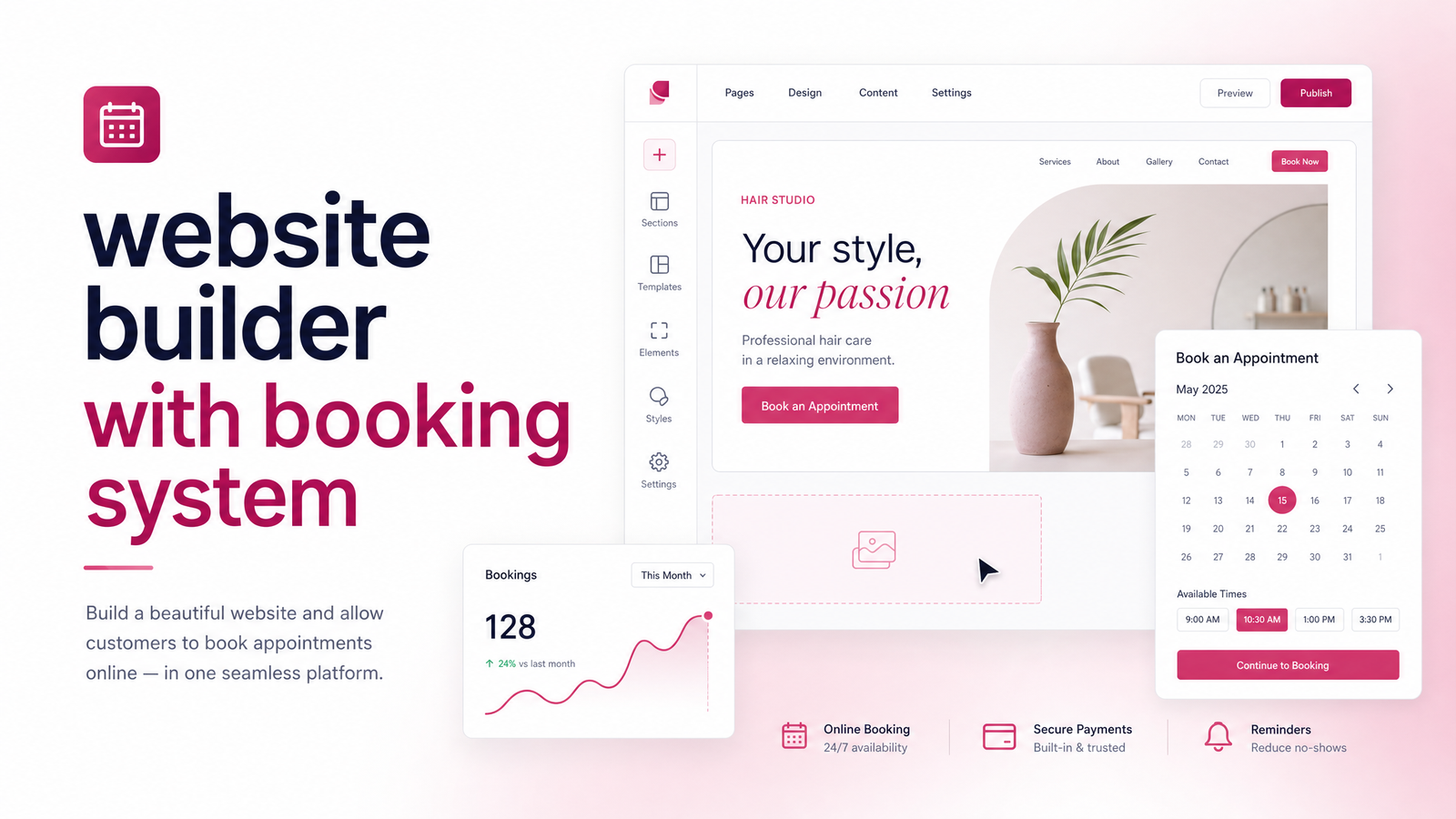
Why Your Website Needs to Take Bookings, Not Just Inquiries
A "Contact Us" form is a bottleneck. Someone lands on your site ready to book a haircut, a plumbing estimate, or a consultation, and instead of picking a time, they have to write a message, wait for a reply, and go back and forth to find a slot that works. Many won't bother — they'll click back to Google and call the next business whose site let them book instantly.
That's the core argument for a website builder with booking system built in rather than bolted on. Self-service scheduling shortens the path from "interested" to "on the calendar," and businesses that let clients book online typically see fewer drop-offs than those relying on phone tag or email. An online booking website also cuts no-shows when paired with automated reminders and, ideally, a deposit — clients who've committed a card number or small prepayment are far more likely to show up.
If your site currently only offers a phone number and a contact form, you're not just behind on convenience — you're losing bookings to competitors who made the process easier.
What a Good Booking-Enabled Website Actually Needs
Not all booking setups are equal, and "has a calendar" isn't the same as "handles bookings well." Check any platform against these booking system features:
- Calendar sync — Two-way sync with Google Calendar or Outlook so a booked appointment blocks the slot everywhere, avoiding double-bookings when you also take appointments by phone.
- Automated reminders — Email or SMS reminders sent automatically ahead of the appointment, the single biggest lever for no-show reduction.
- Deposits and payment collection — The ability to charge a deposit or full payment at booking, usually through a processor like Stripe, which filters out casual no-shows.
- Staff and multi-service scheduling — If more than one person takes appointments, or you offer several service types with different durations, the system needs staff-specific availability and service-based time blocks.
- Mobile experience — Most bookings happen on a phone; if the calendar widget is fiddly or slow to load on mobile, people abandon it.
Run any appointment scheduling website feature list against these five points and you'll quickly see which platforms are ready out of the box and which need extra work.
How the Popular Website Builders Handle Booking
Wix Bookings is genuinely built in rather than bolted on — included starting from the Business Basic plan, with calendar sync, staff scheduling, and Stripe-based payments available without a separate subscription. It's the closest thing to an all-in-one website builder with booking system among the mainstream page builders.
Squarespace takes a different approach: booking runs through Acuity Scheduling, which Squarespace owns but sells as an add-on rather than folding fully into the base plan. Squarespace Acuity Scheduling is capable — arguably more flexible than Wix once configured — but it means a separate cost and a separate settings environment to learn, on top of your website's own dashboard.
GoDaddy Website Builder offers basic appointment booking on its higher tiers, fine for simple single-calendar setups, but lacking the depth for staff scheduling or nuanced service rules that growing clinics or multi-technician trades businesses need.
WordPress plus a booking plugin (Bookly, Amelia, or similar) gives the most flexibility in theory, but means managing a plugin, its updates, its conflicts with your theme, and often a separate payment gateway integration — flexibility that comes with ongoing technical upkeep.
Then there's Calendly, and similarly SimplyBook.me — standalone scheduling tools that work well when embedded into a site, but they live outside your website builder, meaning yet another login, another monthly line item, and a booking flow that can feel disconnected from your brand if it isn't styled carefully.
The pattern across all of them: something is always free, and something is always a paid add-on or a configuration project. Wix bundles more for free; Squarespace and GoDaddy ask you to add scheduling capability piece by piece.
DIY Setup vs. Done-for-You: What It Really Costs You
The sticker price of a builder plan is the least useful number when deciding how to set up booking. A $16/month plan looks cheap until you count the hours: connecting a calendar, testing sync across time zones, wiring up Stripe for deposits, writing reminder email copy, configuring service durations and buffer times, and testing the whole flow on mobile before trusting it with real clients.
For most owners without a technical background, that's realistically several evenings of trial and error — and it doesn't end at launch. Plugins update, integrations break, and a booking flow that looked fine in testing can quietly fail in a way you don't notice until a client complains about a missed appointment. A booking system that glitches or looks unfinished doesn't just cost you a sale — it undermines trust before a client ever meets you.
This is the real comparison: DIY website builder vs done for you isn't cheap vs expensive, it's your time and risk tolerance vs. paying someone to get it right the first time. If you bill $75–150 an hour for your own trade or expertise, the hours spent configuring a calendar plugin often cost more than a professional build. Factoring in the website builder with booking system cost this way — time plus subscriptions plus ongoing fixes — often changes the math entirely. Tradespeople weighing this decision can see a deeper breakdown in our comparison of DIY vs done-for-you website builders for contractors.
How Launchevra Builds Booking Into Your Site (Without the Setup Headache)
Launchevra builds the booking system into your site from day one, rather than leaving you to retrofit one later. That means calendar sync, deposit collection through Stripe, automated reminders, and staff or service-based scheduling are set up correctly before the site goes live — no trial-and-error, no half-finished calendar widget.
Every build is tailored to the business type: a clinic needs different scheduling rules than a contractor booking site visits or a studio managing class slots. We handle the design, the copywriting, and the technical wiring together, so the booking flow matches your brand instead of feeling like a plugin dropped onto a template.
If you run a practice, clinic, or consultancy, see how this looks in practice on our page for professional services and clinics. If you're in the trades and booking estimates or site visits, check our contractor website page. And once you've decided against pure DIY, it's worth knowing what a properly built site with booking typically costs — we break that down in our guide to small business website design costs.
Skip the setup headaches and see Pricing for a done-for-you site that already books clients from launch — or explore what Launchevra can build for your business.
Frequently Asked Questions
Which website builder has the best built-in booking system?
Wix Bookings is currently the most complete built-in option among mainstream builders, including calendar sync, staff scheduling, and payments from its Business Basic plan without a separate subscription. Squarespace relies on Acuity Scheduling as an add-on, and GoDaddy's booking tools are more basic, better suited to single-calendar setups.
Is Wix Bookings free or does it cost extra?
Wix Bookings is included starting from the Business Basic plan rather than sold as a separate add-on, setting it apart from Squarespace's approach with Acuity. You'll still pay standard payment processing fees through Stripe when clients pay deposits or book services online.
Do I need a separate app like Calendly or Acuity, or can my website builder handle booking on its own?
It depends on the builder: Wix Bookings handles scheduling natively, while Squarespace users typically need Acuity as an add-on subscription. Standalone tools like Calendly or SimplyBook.me work well too, but they add another login and monthly cost outside your website builder.
Can a booking system on my website reduce no-shows?
Yes — automated reminders and deposit collection are the two biggest factors in cutting no-shows. Clients who receive a reminder before their appointment and have already committed a deposit are far more likely to show up than those who booked over the phone with no follow-up.
Is it cheaper to build my own booking-enabled website or pay someone to do it?
The monthly plan cost is cheaper DIY, but factoring in the hours spent configuring calendars, payment gateways, and reminders often changes that math. For business owners whose time is worth more per hour than the setup takes, paying for a done-for-you build is frequently the lower total cost.
Can I add a booking system to a website I already have?
In most cases yes, either by upgrading your current builder's plan to unlock booking features or by integrating a scheduling tool like Acuity or Calendly. If your existing site's platform doesn't support it well or the setup proves too time-consuming, a done-for-you rebuild that includes booking from the start is often simpler than patching an old site.
Originally published on Rankevra.