
How to Build an Online Presence for Your Local Business
18 September 2026
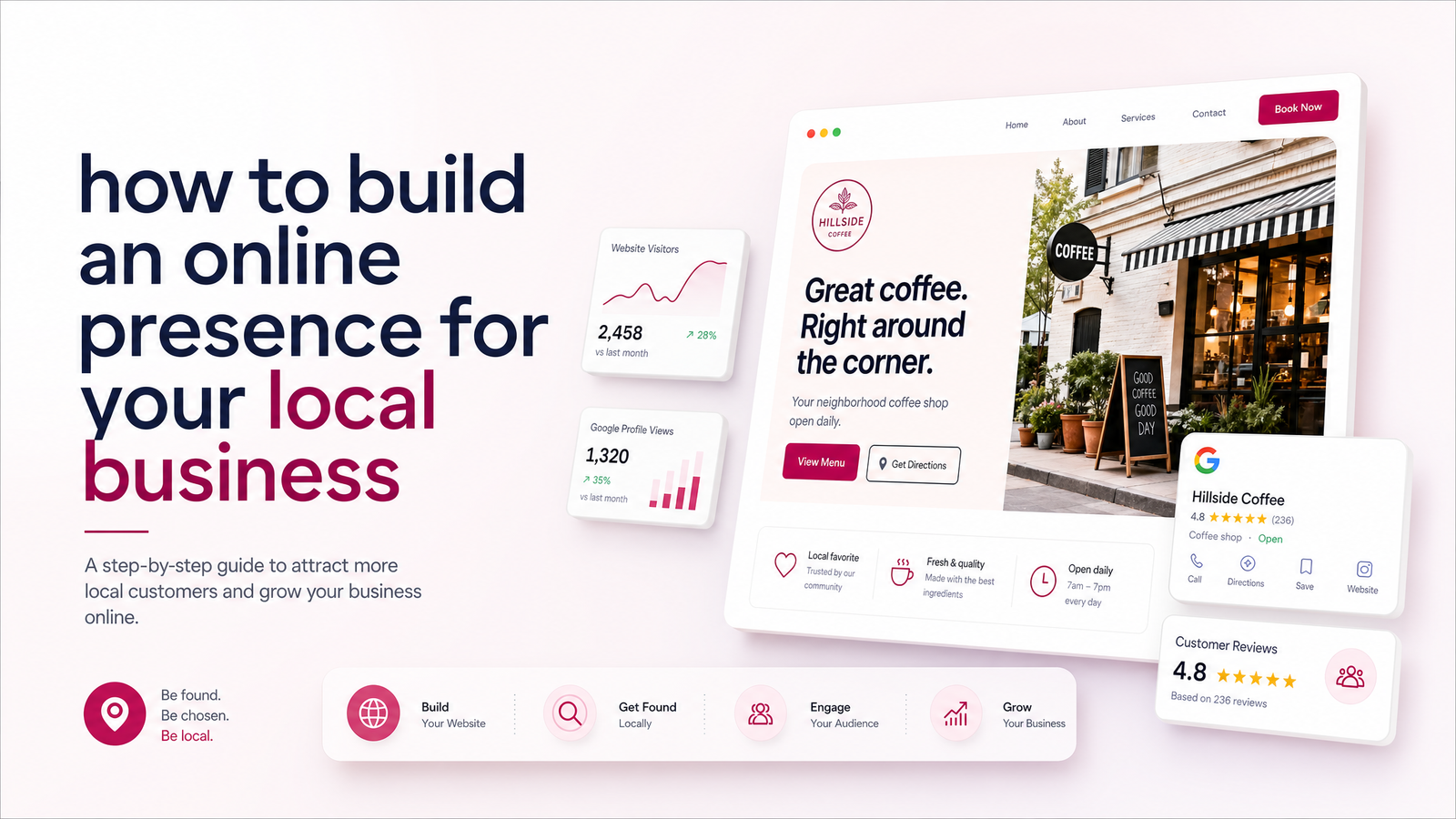
Why Your Local Business Needs an Online Presence Now
Most people don't open the phone book anymore — they open Google, check a map, skim a few reviews, and decide before they ever pick up the phone. BrightLocal's local SEO research and Uberall's consumer research both point to the same pattern: the vast majority of consumers research a local business online — website, listings, reviews — before ever visiting or calling.
That's the reality contractors, clinics, and shop owners compete in. But "online presence" doesn't have to mean a full-time marketing job. Strip away the jargon and a local business online presence is really just four pieces working together, built in a sensible order. Get those four right and you're ahead of most competitors in your area. This guide walks through building an online presence for your local business piece by piece, starting with the one that anchors everything else.
The 4 Building Blocks of a Local Online Presence
Every local business, regardless of industry, needs the same four building blocks:
- A website that acts as your home base and answers "who are you, what do you do, and how do I contact you?"
- A Google Business Profile that gets you found on Search and Maps.
- A steady flow of reviews that build trust before a customer ever talks to you.
- One social channel, used consistently, to stay visible between searches.
Notice what's missing: blogging schedules, five different social platforms, paid ads. Those can come later. This is the minimum stack, and the order matters — each piece works better once the one before it is in place.
1. Start With a Website That Acts as Your Home Base
Your Google Business Profile can disappear behind a policy change. A social account can get flagged or lose reach overnight. Your website is the one property you fully own and control — and it's where every other channel should ultimately send people.
A minimum-viable small business website needs:
- Your business name and what you do, clearly stated above the fold
- Your service area (town, region, or radius you cover)
- A list of your core services or offerings
- Contact information that's easy to find on every page
- Real photos of your work, team, or space
- Trust signals — licenses, certifications, years in business, or a handful of reviews
That's it. A website for a local business isn't about impressing designers; it's about giving a nervous prospect enough confidence to reach out. If you're a tradesperson, see what this looks like on a page built specifically for websites for contractors and trades. Shop and restaurant owners can see the equivalent for local businesses, and clinics or consultants can check websites for professional services.
Before you build, see domain and hosting explained without the jargon — and once you're ready to launch, this website launch checklist covers what to double-check before going live.
2. Claim and Optimize Your Google Business Profile
With a home base in place, claim your Google Business Profile if you haven't already, and optimize it properly — a listing with a business name, an address, and nothing else won't do much for you. Concretely:
- Choose the most specific category available, not just the broadest one
- List accurate hours, including holiday exceptions
- Define your service area if you travel to customers rather than operate from a storefront
- Upload real photos regularly — of your work, your team, your location
- Add your website link so browsers can click through for more detail
According to BrightLocal's research, complete, well-maintained profiles consistently earn more views, clicks, and calls than sparse ones. A proper Google Business Profile setup is one of the highest-leverage, lowest-cost things a local business can do — and it sends the traffic it earns straight back to your website.
3. Get Reviews Flowing (and Respond to Them)
Reviews are the trust layer between your Google listing and your website. A business with a handful of recent, genuine reviews reads as active and reliable; one with none — or with old, unanswered complaints — reads as a risk. Uberall's research reinforces that reviews remain one of the top factors consumers check before choosing a local business.
You don't need a review-generation platform to get started. Ask at the point of service, when satisfaction is highest — right after the job's done or the appointment wraps up. Send a direct link to your Google review page by text or email so there's no friction. And respond to every review, good or bad; a thoughtful reply to a negative review often does more for trust than another five-star one. Reviews compound over time, so start the habit early rather than waiting until you "need" them.
4. Pick One Social Channel and Stay Consistent
You don't need to be on every platform — you need to be reliably present on the one your customers actually use. A contractor might get more mileage from Instagram or Facebook photos of finished jobs; a consultant might do better on LinkedIn. Pick one, post proof-of-work content — before/afters, testimonials, quick tips — and link back to your website in your bio and posts. Social media works best as a visibility layer between searches, not as a replacement for your site or listing.
How the Pieces Work Together
None of these four blocks does much alone. Your Google Business Profile drives the traffic; your website converts that traffic into inquiries by answering the questions a browsing customer has. Reviews feed both — they boost your Google ranking and reassure visitors once they land on your site. Social media keeps you visible in between searches and gives people one more path back to your website. Skip the website and the other three have nowhere solid to send people; skip the listing and reviews and your website has no way to get found in the first place. That's why order and consistency beat trying to do everything simultaneously.
DIY vs. Getting Help: What's Worth Outsourcing
Some of this stack is genuinely DIY-friendly. Claiming and filling out your Google Business Profile, asking for reviews, and posting casual updates on one social channel are all tasks a busy owner can handle in short bursts without special skills.
The website is different. It requires design judgement, clear copywriting, and technical setup — domains, hosting, mobile responsiveness, page speed — that most owners don't have time to learn properly, and a site that looks amateurish undermines the trust the other three pieces are trying to build. If you've been searching "build a website for my business" and dreading the learning curve, that instinct to get help is usually the right one. An affordable website for a small business, built by people who do it daily, is often the single best-value piece of this whole stack.
Get Your Website Built the Right Way
Of the four building blocks, the website is the one worth getting right from day one — it's the foundation the other three point back to. Launchevra builds professional, technically sound websites for contractors, clinics, shops, and consultants without you having to touch design, copy, or code. Once your site is live, this guide on turning website visitors into customers is a natural next step.
See how it works at Launchevra, or browse the industry page that matches your business — contractors, local businesses, or professional services — to see what your home base could look like.
Frequently Asked Questions
How much does it cost to build an online presence for a small business?
The Google Business Profile, review requests, and casual social posting cost nothing but time. The main expense is the website, and costs vary widely depending on whether you DIY it or hire a professional service — an affordable, professionally built site is often worth the investment given how much trust and traffic depends on it.
Do I need a website if I already have a Google Business Profile?
Yes — a Google Business Profile gets you found, but it can't fully represent your services, showcase your work, or convert a visitor the way a dedicated website can. It's also a platform you don't own, unlike your own site, and Google itself sends more clicks to businesses whose listings link to a working website.
How long does it take to build an online presence for a local business?
Setting up a Google Business Profile and requesting your first reviews can happen within a day or two. A professional website typically takes longer, but a done-for-you service can have you live in a matter of weeks, after which reviews and social presence build up naturally over the following months.
What's the fastest way to get more local customers online?
Start with a complete, optimized Google Business Profile, since it's what most searchers see first, then focus on collecting a handful of recent reviews. Both send traffic and trust toward your website, so having that site ready to receive and convert visitors matters just as much as the listing itself.
Do I really need to be on social media if I run a local service business?
Not on every platform — pick the one channel your customers actually use and post consistently. Social media works best as a way to stay visible between searches and to link people back to your website, not as a replacement for a proper site or Google listing.
How do I get my first reviews when my business is brand new?
Ask your very first customers directly, ideally right at the point of service when satisfaction is freshest. Send them a direct link to your Google review page to remove friction, and respond promptly once reviews start coming in — this builds a review habit that compounds over time.
Originally published on Rankevra.