
How to Brief a Web Designer (So Your Site Isn't Generic)
25 September 2026
Why Most Small Business Websites End Up Looking the Same
Scroll through ten competitor websites in any trade and you'll notice the same hero banner, the same "About Us" paragraph, the same stock photo of a handshake. That's not a shortage of design talent — it's what happens when a client's brief was thin.
When an owner says "make it look modern" or "it's for anyone who needs my service," the designer has nothing specific to build from, so they reach for what's safe and proven — layouts and phrasing that work reasonably well for everyone and therefore feel remarkable to no one. Learning how to brief a web designer properly is the fastest way to fix that, before a single mockup gets made.
Before the Call: What a Good Brief Actually Does
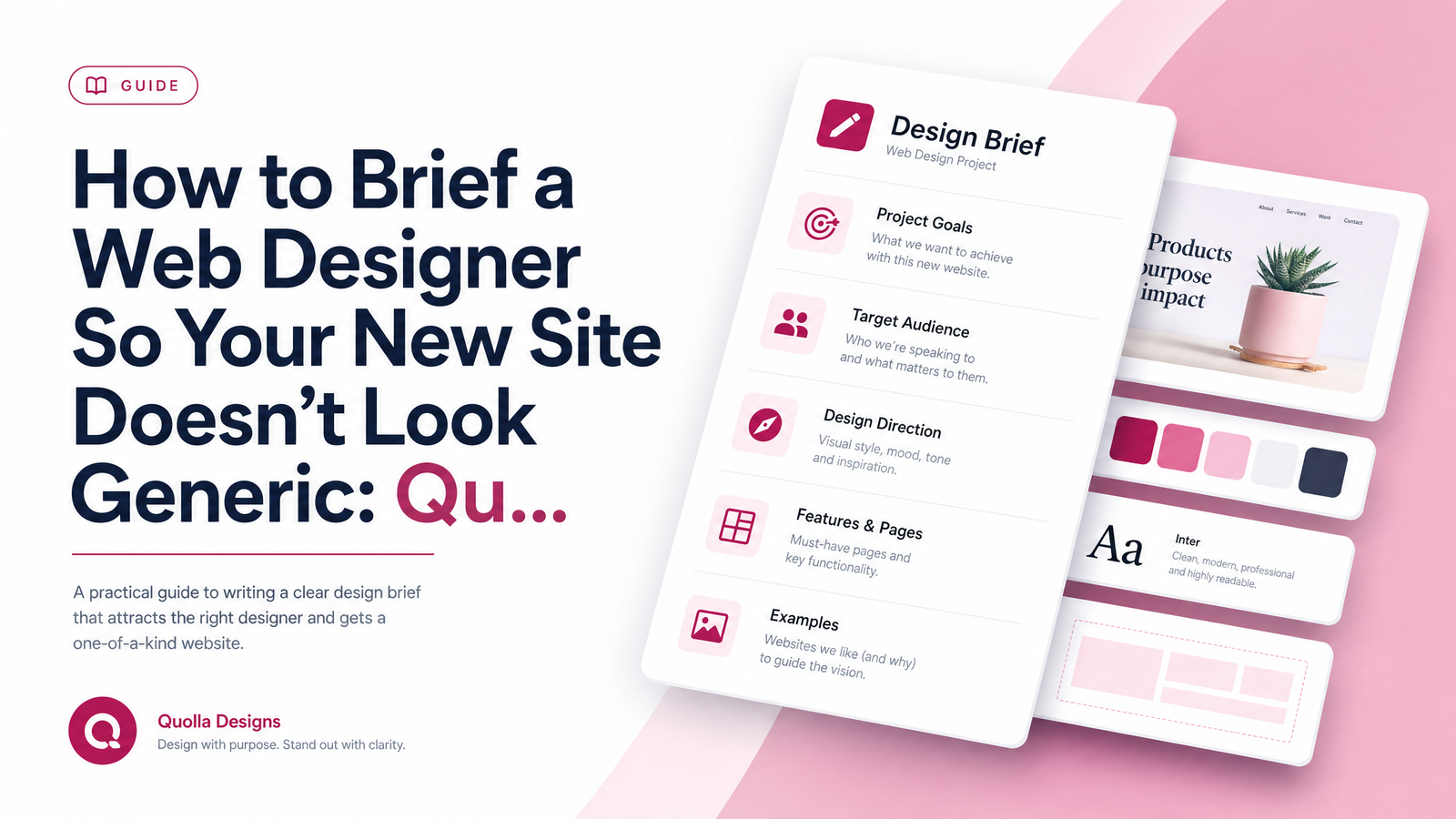
A design brief is simply a written answer to the questions a designer would otherwise have to guess at. It doesn't need to be formal — a shared document or a page of notes is enough. What matters is thinking through the answers before the call, not during it: clear answers in advance save revision rounds and produce a site that actually looks like your business rather than a template with your logo dropped in.
The rest of this article breaks that brief into five question groups. Work through them honestly, even where the honest answer is "I don't know yet" — that's still useful information for a designer.
1. Who Are You Actually Trying to Reach?
"Anyone who needs my service" is the single most common answer that leads to a generic homepage — it gives a designer no one specific to write for.
Push further. Instead of "homeowners," try "homeowners who got a quote from a big franchise and felt overcharged." Instead of "small businesses," try "solo consultants who've outgrown DIY tools but can't afford a full agency." For each customer type, be ready to answer three things: who they are specifically, what they're worried about before they buy, and what actually convinces them to book or buy. These target audience questions shape your homepage's words far more than any color palette — a designer writing for a named, worried, specific person will always outperform one writing for "everyone."
2. Who Are You Being Compared To?
Name two or three real competitor websites — not to copy them, but so the designer knows what to build against. Then say specifically what you don't like about each: too corporate? Too cluttered? Dated? No pricing?
Without this, a designer defaults to whatever's standard in your industry, because that's the only reference point they have. Competitor analysis isn't just useful for marketing strategy — it's a direct design input. If you can't name a competitor or articulate what's wrong with their site, your own site is at risk of blending into the same crowd.
3. What Should Someone Feel or Do in the First 5 Seconds?
Before anyone asks about cost or timeline, a good brief answers a more basic question: what does success look like on this page? A phone call, a booking form, a quote request, an email signup?
Name the one action that matters most, then describe the impression you want to make in the same breath — premium and understated, friendly and approachable, or no-nonsense and efficient. These two answers directly determine hero section layout, button placement, and even font choice. A clinic aiming for "calm and trustworthy" needs a very different first five seconds than a contractor aiming for "fast, reliable, no fuss."
4. What Proof Do You Actually Have?
This is usually the single biggest driver of a generic-feeling site: relying on stock photography and vague claims instead of real proof. Stock imagery signals to visitors, often subconsciously, that they're looking at a placeholder business rather than a real one.
Before your call, gather what you actually have: real photos of your team, workspace, or finished projects; testimonials or reviews, even short ones pulled from texts or emails; certifications, licenses, or awards; before-and-after project photos; or numbers like years in business or projects completed. This is your social proof, and it's what makes a site feel credible rather than templated. If you genuinely have nothing yet, say so — a designer can plan a temporary layout that's easy to update later, rather than building around stock images that quietly undermine trust.
5. What Do You Want Visitors to Read, in Their Own Words?
Many owners assume the designer will simply "write something." Some will — but the result is generic unless you provide raw material first. Bring rough notes, a voice memo, or a bulleted list of how you'd explain your business to a customer standing in front of you. Your own phrasing, quirks, and priorities are exactly what a good writer needs to avoid generic-sounding copy. If you'd rather hand this off entirely, it's worth reading what a professional website copywriting service actually costs in 2026 before your call, so you can decide whether to write it yourself or budget for it.
A Simple Pre-Call Worksheet
Fill this in before you sit down with a designer:
- Audience: Who specifically? What's their objection? What convinces them?
- Competitors: Name 2-3. What do you dislike about each?
- Primary action: Call, book, or quote? What tone should the page set?
- Proof: What photos, testimonials, certifications, or numbers do you have?
- Your words: Three bullet points on how you'd describe your business out loud.
Showing up with these five answers puts you ahead of most first-time clients.
What Happens If You Skip This Step
Skipping this prep doesn't save time — it moves the work later, where it's more expensive. Vague briefs lead to a generic first draft, because the designer had to guess. Guessing leads to more revisions, because you know it's wrong even if you can't say why at first. More revisions mean scope creep and a slower timeline, and often a result that still feels safe rather than distinctive. The 10 questions used to brief a web designer consistently start with "what does success look like," not "how much will this cost" — because cost conversations go smoother once direction is clear.
Once you've briefed the designer, the next document worth understanding is the contract itself — see this website design contract checklist for small business owners for what to check before signing. A brief tells the designer what to build; a contract governs timeline, ownership, revisions, and payment. They're not the same document, and confusing them is another common source of friction mid-project.
If you'd rather not assemble all of this alone, Launchevra's onboarding process is built around exactly this framework — the intake asks these audience, competitor, and proof questions for you, so nothing gets lost between your head and the finished site. That's the approach behind our websites for contractors and trades and our websites for clinics, consultants, and professional practices: a guided process where you run your business, and we handle the rest.
Frequently Asked Questions
What questions should I answer before briefing a web designer?
At minimum, answer five things: who your specific target customer is, who your real competitors are and what you dislike about their sites, what single action you want visitors to take, what proof (photos, testimonials, credentials) you can provide, and how you'd describe your business in your own words. These five answers cover the decisions that shape a homepage's layout, tone, and copy.
Why do so many small business websites look the same?
Most look alike because the brief behind them was vague, not because the designer lacked skill. When a client says "make it modern" or "anyone who needs my service," the designer defaults to safe, industry-standard layouts and stock imagery rather than something distinctive.
What information does a web designer actually need from me?
A designer needs a specific audience description, named competitors with clear likes/dislikes, your primary call-to-action goal, real proof like photos and testimonials, and your own words describing the business. Without these, they're forced to fill gaps with generic assumptions.
How detailed should a design brief be for a small business site?
It doesn't need to be a formal document — a page of clear notes covering audience, competitors, goals, proof, and your own phrasing is enough. Detail matters more than format; a short brief with specific answers beats a long one full of vague statements.
What's the difference between a design brief and a contract?
A brief defines what should be built — audience, goals, tone, and content direction. A contract governs the business terms of the project, including timeline, revisions, ownership, and payment, and is typically signed after the brief and initial discussions are settled.
Originally published on Rankevra.