
Website Redesign vs Rebuild: How to Know Which You Need
25 September 2026
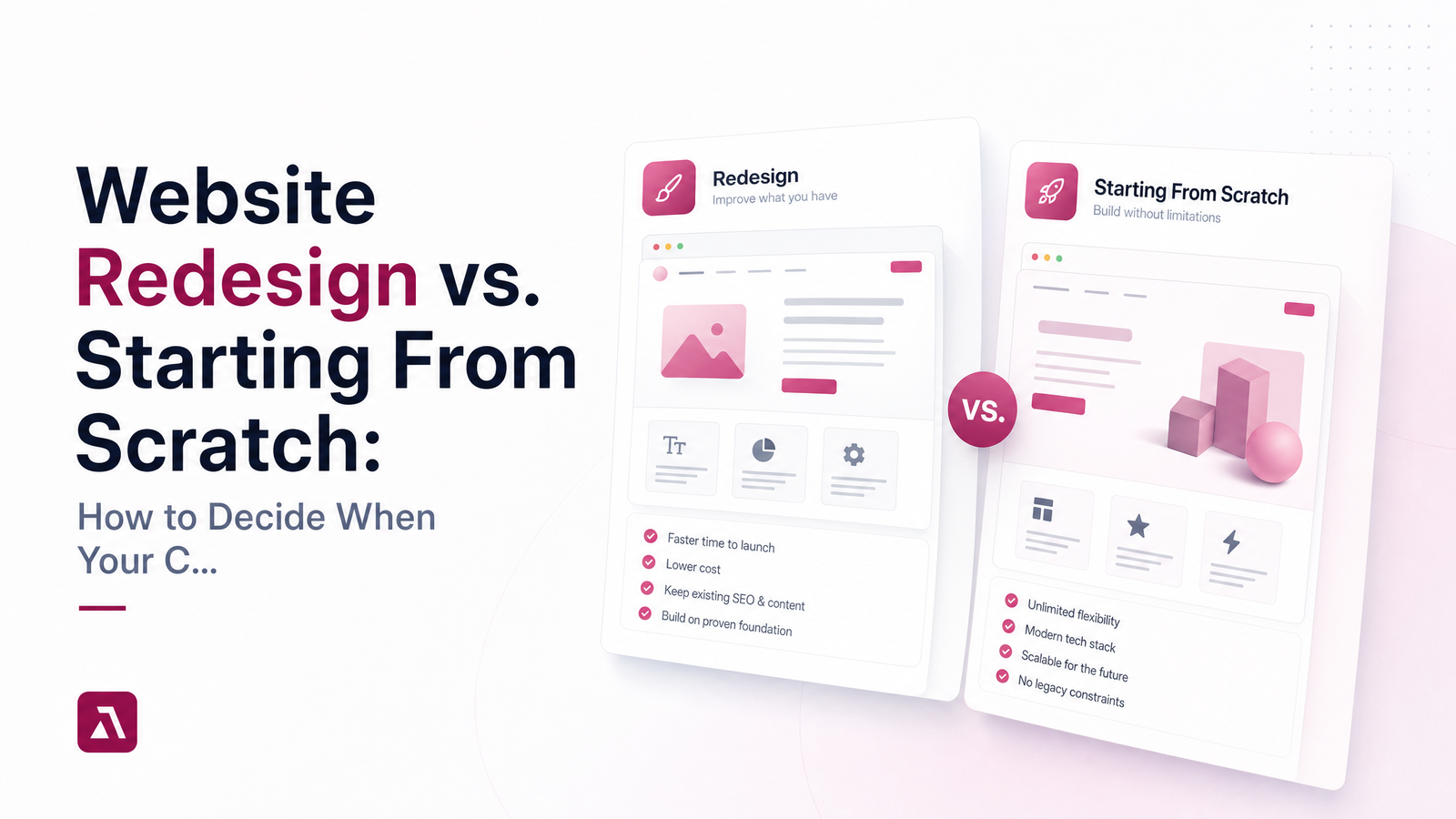
Redesign or Rebuild? Start With One Question
Before asking what a new website will cost, ask something simpler: is the problem visible, or structural? That question decides whether you need a redesign vs rebuild — and most owners never ask it before requesting quotes, which is how they end up overpaying for a full rebuild or underpaying for a cosmetic fix that changes nothing.
A redesign updates what visitors see and feel — layout, colors, copy, imagery, navigation — while keeping the platform and content underneath mostly intact. A rebuild replaces that foundation: the CMS, the code, the structure and hosting. Redesign vs starting from scratch isn't about how the site looks today; it's about whether the engine running it can still do the job.
What a Redesign Actually Fixes
A redesign works on the surface layer. Your CMS stays the same, your URLs and existing content largely stay put, and the changes are cosmetic and structural-lite: new templates, refreshed branding, clearer calls-to-action, reorganized navigation, updated photography and copy. Think of a website refresh vs redesign as a difference in degree — a refresh tweaks a few pages, a full redesign touches the whole visual system.
A redesign is the right call when:
- You've rebranded, or your visuals simply look dated next to competitors.
- The site technically performs fine — decent load times, mobile-usable, editable — but conversions have stalled because messaging or design isn't landing.
- Your CMS is current and supported, but the pages built on it never evolved past a 2016 template.
This is what most people picture when they ask "what is a website redesign" — a facelift, not surgery. If your foundation is sound, a redesign is faster, cheaper, and lower-risk, and it's usually the right first move.
What Actually Requires Starting From Scratch
A rebuild replaces the platform, code, or CMS itself. You need this when the foundation — not the paint job — is the problem. According to the breakdown from WebTek, redesign changes the visible experience while rebuild changes the underlying code and structure that experience runs on.
Watch for these structural red flags, echoed in Flatline Agency's rebuild checklist:
- Your platform is outdated, unsupported, or flagged as insecure by browsers or hosting providers.
- You can't edit a headline or swap a photo without calling a developer every time.
- Integrations — booking tools, payment processors, forms — break constantly or don't exist because the platform can't support them.
- The mobile experience is fundamentally broken, not just unpolished: buttons overlap, text runs off-screen, forms don't submit.
- Core Web Vitals scores are poor and no amount of image compression or caching fixes it, because the code itself is bloated or badly structured.
- The site fails basic WCAG accessibility checks in ways that would require rebuilding templates, not just adjusting color contrast.
As Heart Digital frames it, rebuild territory starts when the site is slow, hard to update, and not mobile-friendly at the same time — not just one of those in isolation.
The 5-Minute Self-Test: Count Your Signals
Run through this checklist honestly. Tally your yes answers in each column.
Visible problems (points toward redesign):
- The design looks dated compared to competitors.
- Branding is inconsistent or outdated.
- Copy is unclear, generic, or doesn't reflect current services.
- Calls-to-action are weak, buried, or missing.
- Navigation is confusing, but pages do load correctly.
Structural problems (points toward rebuild): 6. You need a developer for basic content edits. 7. The CMS is outdated, unsupported, or a security risk. 8. Page speed or Core Web Vitals scores are consistently poor. 9. The mobile experience is broken, not just unattractive. 10. Integrations (booking, payments, CRM) fail or can't be added.
Scoring rule: two or more "yes" answers in the structural column means you're very likely looking at a rebuild, regardless of how many visible-column boxes you also checked — a fresh coat of paint can't fix a cracked foundation. If your yeses cluster almost entirely in the visible column, a redesign checklist approach will serve you fine. This is the fastest way to answer "how to know if you need a new website" without guessing or relying on a salesperson's opinion.
What Each Option Costs You in Time, Money, and Risk
A redesign is generally faster and cheaper because it reuses your platform, hosting, and much of your existing content — timelines are typically measured in weeks. A rebuild takes longer because content, structure, and integrations often need to be recreated from the ground up. For specific budget ranges, see How Much Does a Business Website Cost in 2025? rather than relying on rough guesses — website redesign cost and website rebuild cost vary enough by scope that a real quote matters more than a ballpark.
The bigger risk with either path isn't money — it's rankings. A careless rebuild that changes URLs without setting up proper 301 redirects, or that skips a technical SEO audit before migration, can tank the organic traffic you've spent years earning. A thoughtful redesign carries much less of this risk since URLs and content structure often stay intact. Whichever path you choose, plan the migration with SEO preservation as a checklist item, not an afterthought — the SEO Checklist for Local Small Business Websites is a solid reference for what needs to survive the move.
Making the Call Without Guessing
You don't have to diagnose this alone, and you shouldn't have to trust a stranger's upsell to find out. The core rule holds up on its own: if the problems are things visitors see, a redesign fixes it; if the problems are things the site can't do, only a rebuild will. Once you know which conversation you're walking into, prepare for it — start with How to Brief a Web Designer (So Your Site Isn't Generic) so you can explain your findings clearly, and review a Website Design Contract Checklist for Small Business Owners before you sign anything.
If you'd rather skip the guesswork entirely, LaunchEvra will look at your current site and tell you plainly — redesign or rebuild — with no pressure to buy more than you need. Check current Pricing once you know which path fits, because we build your website, you run your business.
Frequently Asked Questions
How do I know if my website needs a full rebuild or just a redesign?
Count your structural red flags: outdated CMS, broken mobile experience, constant integration failures, or needing a developer for basic edits. Two or more means you likely need a rebuild; if your issues are mostly cosmetic — dated visuals, weak calls-to-action, inconsistent branding — a redesign is enough.
Is it cheaper to redesign a website or build a new one from scratch?
A redesign is almost always cheaper and faster because it reuses your existing platform and much of your content, while a rebuild recreates the technical foundation from scratch. Exact figures depend on scope and features, so check a dedicated cost breakdown rather than assuming a fixed price.
Will I lose my Google rankings if I redesign or rebuild my website?
Not if the migration is handled correctly. The main risk is changing URLs or content without proper 301 redirects and a technical SEO audit beforehand — done carelessly, that can cause real ranking drops during either a redesign or a rebuild.
How long does a website redesign usually take compared to a full rebuild?
A redesign typically takes weeks since it works within your existing platform and content. A rebuild takes considerably longer because the CMS, code, and often the content structure need to be recreated and tested before launch.
Can I redesign my website myself, or does a rebuild always need a professional?
Minor redesign tasks — swapping images, updating copy, adjusting colors — can often be done in-house if your CMS is user-friendly. A rebuild almost always needs a professional, since it involves code, CMS migration, and preserving SEO through redirects and structural changes.
How often should a small business website be redesigned?
Most small business sites benefit from a redesign every two to three years to keep visuals and messaging current, even if no structural problems exist. A rebuild is only needed when the underlying platform itself becomes outdated, insecure, or incapable of supporting your business needs.
Originally published on Rankevra.