
Website Ownership After a Web Designer: Who Owns What
22 September 2026
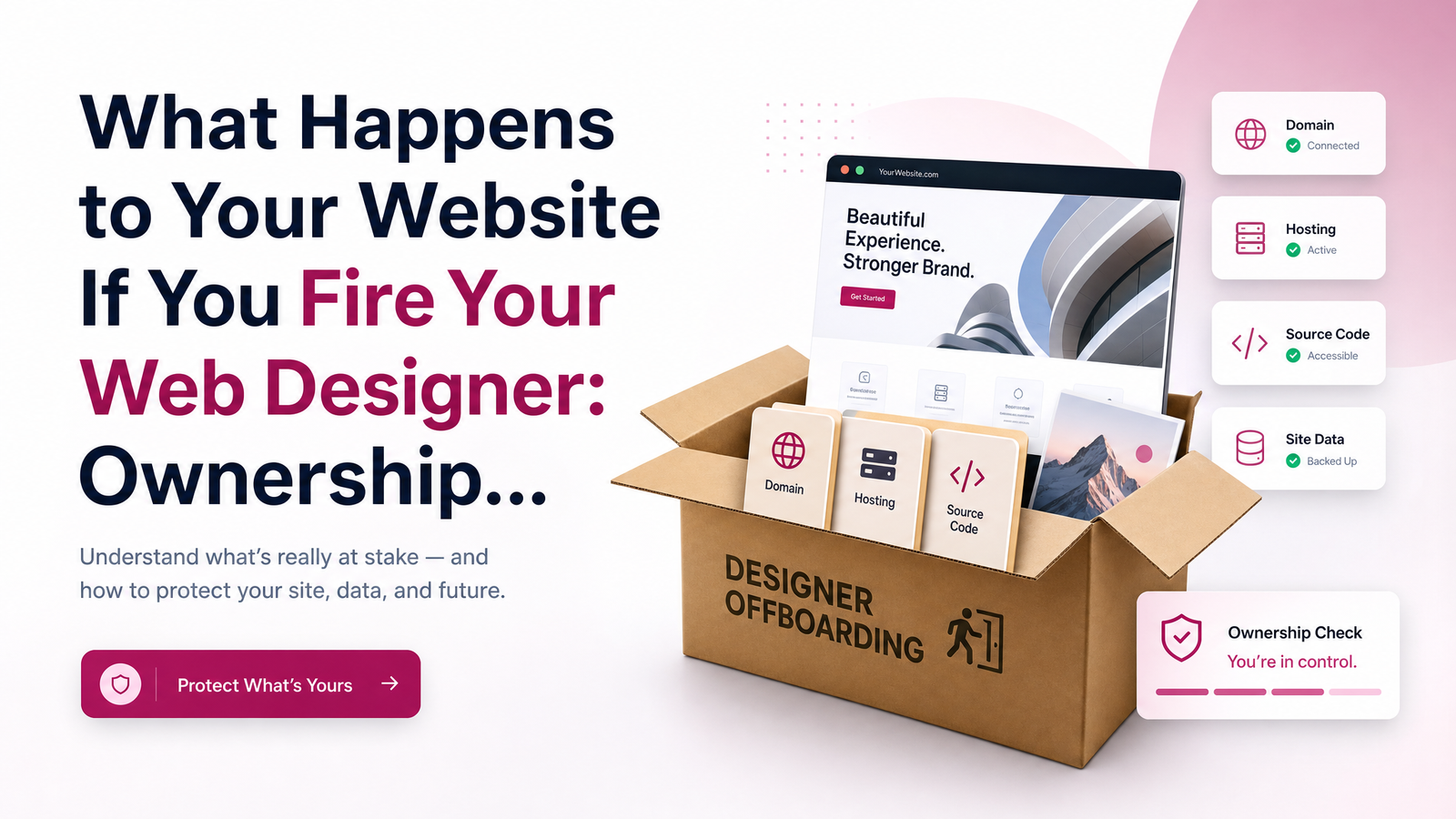
Nothing makes a small business owner more nervous than the thought of parting ways with a web designer and losing the site entirely — years of content, rankings, and branding gone because nobody knows who has the keys. The good news: website ownership after a web designer isn't a mystery once you understand that a website is really three separate things, each with its own owner, and each transferable if you know what to ask for.
Who Really Owns Your Website: Domain, Hosting, and Files Explained
"Owning your website" is shorthand for controlling three distinct components, and having one doesn't guarantee you have the others.
The domain name is registered through a registrar (GoDaddy, Namecheap, Cloudflare, and hundreds of others accredited by ICANN). Whoever's name and email are on that registrar account owns the domain — full stop. If your designer registered it under their own business account "to make things easier," you may not legally control it, even though it's your brand name. The question always comes back to: whose login accesses the registrar account?
The hosting account is where your site's files actually live and run — a shared plan, a managed WordPress host, or a platform like Shopify. Hosting is separate from the domain — you can own your domain outright and still be locked out of the server where your site sits.
The source files and content — your CMS install, theme, custom code, images, copy — are the actual website. On WordPress or similar platforms, these can usually be exported. On custom-built or proprietary systems, extraction can be harder or impossible without cooperation from whoever built it.
True ownership rights mean you control all three: registrar, hosting, and files. Many business owners assume that because they pay an invoice each month, they own everything by default. That assumption is exactly what causes the panic when a relationship ends.
What Your Contract Says (and What to Do If You Don't Have One)
Ownership isn't decided by who paid for the work or who's used the site the longest — it's decided by what the paperwork says. A proper contract ownership clause should state plainly that the client owns the domain, files, and content upon full payment, and that the arrangement is "work for hire" rather than a license. Without that language, a designer could argue they retain rights to the design or code even after you've paid in full.
If you never signed a formal contract, look at your invoices, proposal emails, or onboarding paperwork — even informal written communication can establish intent and help in a dispute. If there's genuinely nothing in writing, don't panic, but don't wait either: email your designer now, in plain terms, asking them to confirm in writing that you own the domain, hosting account, and site files. A clear paper trail today prevents a standoff later.
The Pre-Firing Checklist: What to Secure Before You Cancel
Before you end a contract or stop paying, confirm you have — or can get — the following:
- Domain registrar login and confirmation the account is registered in your name and email, not the designer's
- Hosting account access, including the control panel (cPanel, Plesk, or host-specific dashboard) and FTP/SFTP credentials
- CMS admin login (WordPress or otherwise), with admin-level, not just editor-level, permissions
- A full export or backup of website files and content and hosting access to your database
- SSL certificate details — whether it renews automatically with the host or needs reissuing elsewhere
- Google Analytics and Search Console access, added under your own Google account, not the designer's
- Business email access, if it's hosted through the same provider as the website
Request all files and hosting access in writing, with a deadline, before you formally cancel service. If a designer resists handing over login credentials once you've asked directly, treat that as a serious warning sign rather than an oversight.
How Website Migration Actually Works — and What Can Delay It
Migrating a website to a new designer typically follows a predictable order: secure domain and hosting access first, export the CMS and content, set up the new hosting environment, test the site on a temporary URL, then repoint DNS and nameservers so visitors land on the new setup. Done carefully, downtime can be minimal or nonexistent.
Timelines vary, but a straightforward WordPress migration with cooperative access can take a few days to two weeks. Complex or custom-built sites take longer. One factor catches almost everyone off guard: if the domain's registrant name or email changes, ICANN rules impose a 60-day transfer lock before it can move to a new registrar. This doesn't stop you from updating DNS or nameservers immediately — your site can still go live on new hosting during that window — but a full domain transfer to a new registrar needs to be planned around that 60-day rule, not assumed to happen overnight. DNS propagation itself, once nameservers are updated, usually settles within 24–48 hours worldwide.
Red Flags: When a Designer Is Set Up to Hold Your Site Hostage
A designer isn't necessarily acting in bad faith just because they manage your domain and hosting for convenience — but certain patterns suggest the setup was built for vendor lock-in rather than client control:
- The domain is registered under the designer's or agency's name, with no clear plan to transfer it to you
- The site runs on a proprietary or closed platform with no standard export option
- Login credentials are described as "not something we share" or only available at an added fee
- Analytics and Search Console are tied to the agency's Google account rather than yours
- The contract is silent on ownership entirely, or explicitly states the agency retains rights after termination
None of these automatically mean a designer is holding your website hostage — but combined, or met with resistance when you ask direct questions, they're reason enough to get everything in writing immediately.
Building a Website You'll Always Own
The cleanest way to avoid this entire problem is working with a team that hands over full control from day one. Launchevra builds every site so the client owns the domain, hosting, and files outright — no proprietary lock-in, no gatekept logins, no ambiguity about who's in charge. If you're comparing providers or budgeting a rebuild, see how much a business website costs in 2025, what to expect from a small business website agency, or what a website maintenance plan should actually include once you own everything outright.
If you're currently stuck with a designer who won't hand things over, or you're simply choosing a new one and want to own your site outright from the start, take a look at Launchevra or check pricing — a quick assessment can tell you exactly what you already control and what still needs to be secured.
Frequently Asked Questions
Can a web designer legally keep my website if I stop paying them?
It depends on the contract. If the agreement states ownership transfers upon full payment, a designer can't legally withhold the site once you're paid up — but if you're behind on payment or the contract grants the designer ongoing rights, they may have legal grounds to restrict access until resolved.
What's the difference between owning a domain and owning a website?
Owning a domain means you control the registrar account for that web address; owning a website means you also control the hosting account and the actual files and content that make the site function. You can own one without the other, which is exactly why ownership disputes happen.
How do I find out who my domain registrar is if I never set it up myself?
Use a free WHOIS lookup tool and search your domain name — it will show the registrar (like GoDaddy or Namecheap) even if privacy protection hides your personal details. From there, contact the registrar's support team, or ask your designer directly for registrar login access.
Will I lose my Google rankings if I move my website to a new host or designer?
Not if the migration is done correctly — keeping the same domain, URLs, and redirecting any changed pages preserves your SEO rankings. Ranking drops during migration usually stem from broken links, lost content, or accidental noindex settings, not the move itself.
What if my old designer won't respond or hand over access?
Start with a written, dated request specifying exactly what you need — registrar login, hosting access, CMS export — and reference your contract's ownership terms if you have one. If they remain unresponsive, your domain registrar and hosting provider both have account-recovery and dispute processes that can help you regain control even without the designer's cooperation.
Do I need a lawyer to get my website back from a designer?
Not usually — most disputes resolve with a clear written request citing contract terms, or by contacting the registrar and host directly for account verification. A lawyer becomes worth involving only if the designer refuses outright despite clear contractual ownership, or if significant business revenue depends on resolving it quickly.
Originally published on Rankevra.