
Website Maintenance Plan: What's Included & Do You Need One?
20 September 2026
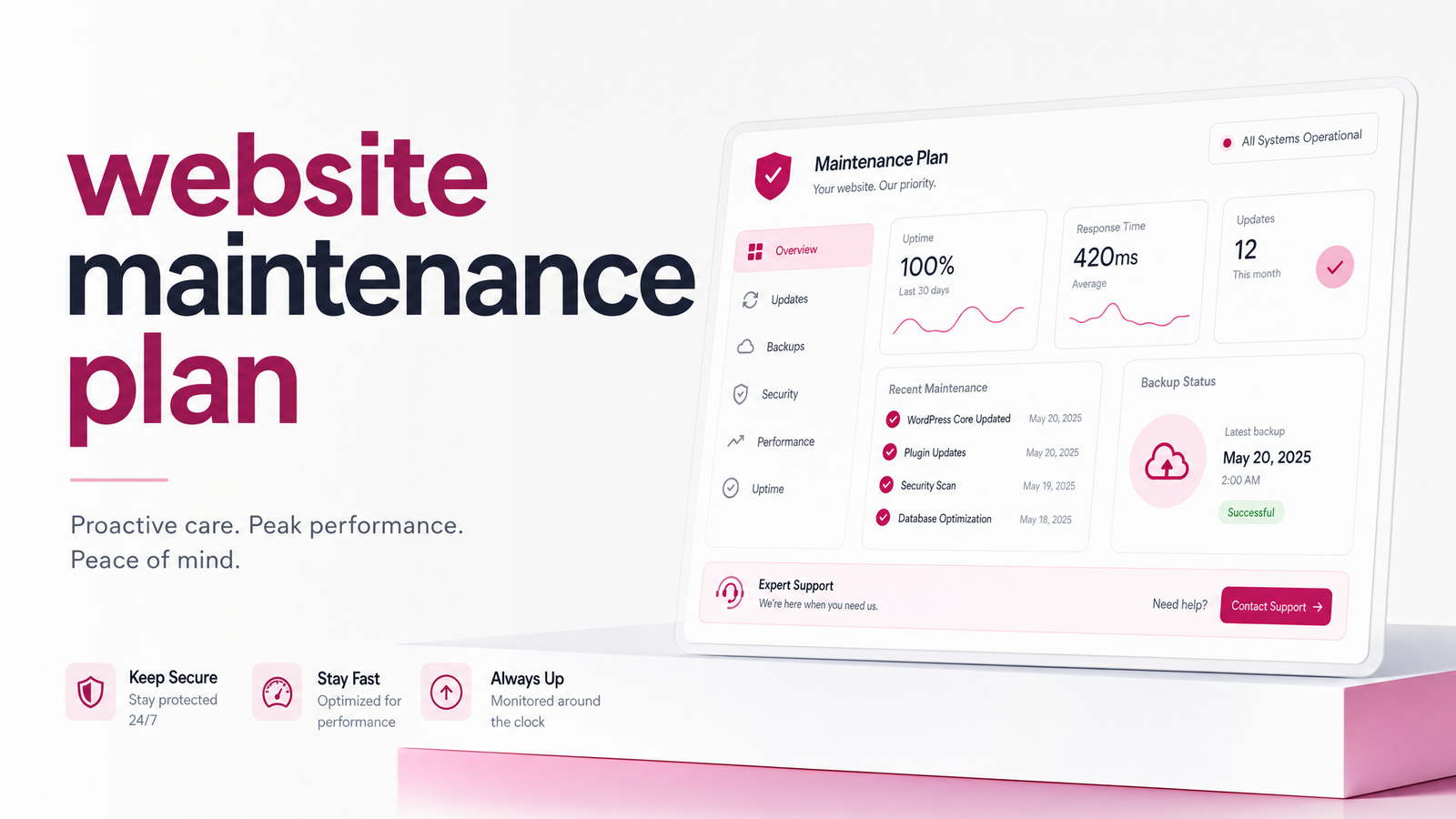
Most small business owners hear "website maintenance plan" and assume it's either optional busywork or an upsell. Neither is right. A maintenance plan is a specific, definable service — and whether you need one depends on facts about your site and your time that you can check.
What Is a Website Maintenance Plan?
A website maintenance plan is a recurring service — almost always billed monthly — that keeps a live website secure, functional, and current after it launches. That's the core website maintenance definition: ongoing upkeep, not a one-time project.
Building a website is a single, finite job: design, content, launch. Maintenance begins the day after launch and never really stops, because the software running your site — its CMS, plugins, and themes — keeps changing whether you touch it or not. If you haven't launched yet, it's worth understanding how long a website build actually takes before thinking about what comes after.
What's Actually Included in a Maintenance Plan
If a provider can't give you a concrete list, that's a red flag. A legitimate website maintenance checklist covers recurring, specific tasks — not vague "we'll keep an eye on it" language:
- Software and plugin updates — CMS core files, themes, and plugins updated regularly, tested so nothing breaks on update
- Security monitoring — scanning for malware, suspicious file changes, and known vulnerabilities
- Backups — automated, stored off-site, and actually restorable (not just scheduled and forgotten)
- Uptime checks — automated alerts if the site goes down, so someone notices before your customers do
- Broken-link and form testing — making sure contact forms still submit and internal links still work after updates
- Small content edits — swapping a phone number, updating hours, fixing a typo — the kind of task that shouldn't require a developer
That's the practical scope of website maintenance tasks. Anything beyond this — redesigns, new features, SEO campaigns — is a separate project, not maintenance.
Why Skipping Maintenance Is Riskier Than It Looks
Outdated software is one of the most common, well-documented causes of website compromise, and the data backs it up.
Sucuri's hacked website and malware threat report has repeatedly found that the large majority of compromised CMS-based websites they analyzed were running outdated core software, plugins, or extensions at the time of infection. Separately, broader website security statistics research shows that outdated plugins and extensions — not the core CMS platform itself — are consistently the leading entry point attackers exploit. A single unpatched plugin can be the open door.
Outdated website vulnerabilities aren't theoretical. Once a security flaw in a popular plugin is publicly disclosed, automated bots scan the web for sites still running the vulnerable version — often within days. Your site doesn't need to be a target of interest to get hit; it just needs to be unpatched when the bot passes by.
An SSL certificate lapsing or malware landing on your site doesn't just risk downtime — it can mean blacklisting by browsers and search engines, lost customer trust, and in some cases weeks of cleanup. That's a business cost, not just a technical inconvenience.
Do You Actually Need One? A Quick Self-Test
Before you decide, run through this honestly:
- Do you know how to update WordPress core, themes, and plugins without breaking your layout?
- Do you have backups running right now, and have you ever tested restoring one?
- Would you notice within a day if your site went down — and know what to do about it?
- Do you check your SSL certificate status, or would you only find out it expired when a customer complained?
- Do you have 2-4 hours a month you're genuinely willing to spend on this, consistently, for years?
If you answered "no" to more than one, you have a real answer to "do I need a website maintenance plan?" — and it's yes. If you answered yes to all five and actually enjoy this kind of work, DIY website maintenance is a legitimate option, not a compromise.
DIY vs. a Managed Plan: What Changes
The honest comparison isn't about whether DIY is "worse" — it's about what it costs you in time and risk tolerance versus what a managed plan costs in dollars.
Doing it yourself means you're checking for updates, reading changelogs to see what might break, testing the site after each change, monitoring for malware, and being the one who gets the 2 a.m. "site's down" text. It's doable for a technically comfortable owner with a simple site and spare hours each month. It becomes a liability when the business gets busy and maintenance quietly stops happening — exactly when problems accumulate.
Managed website maintenance shifts that entire task list, and the accountability for it, onto someone whose job is to not let it slip. You trade a recurring fee for recurring peace of mind and your own time back. Neither option is wrong; the right one depends on your answers above.
How to Choose a Maintenance Plan (or Provider)
If you decide to pay for a plan — with LaunchEvra or anyone else — evaluate it against these criteria first:
- Response time. What's the actual guaranteed turnaround if your site goes down or gets hacked? "We'll get to it" isn't an answer.
- What's covered vs. billed extra. Some providers advertise a low monthly fee, then bill separately for every content edit, hack cleanup, or plugin conflict. Get the exclusions in writing.
- Backup frequency and testing. Daily backups are far more valuable than weekly ones, and a backup that's never been tested is a hope, not a safeguard.
- Reporting. You should get a simple, regular summary of what was updated, checked, and fixed — not silence until something breaks.
These four checks work whether you're evaluating a $30/month plugin service or a full-service agency, and they're the fastest way to avoid paying for something you don't need while catching a provider underdelivering on something you do.
If you've worked through the self-test above and landed on "I'd rather this be someone else's job," the next step is understanding exactly what's included and what it costs — that detail lives on LaunchEvra's Website Care Plan page. And if you don't have a site live yet, LaunchEvra builds it and can keep it maintained from day one, so you're never stuck retrofitting security and backups onto a site that's already been live, unprotected, for months.
Frequently Asked Questions
What's the difference between web hosting and a website maintenance plan?
Hosting is the server space that makes your site accessible online — it's infrastructure, not upkeep. A maintenance plan is the active work of updating software, monitoring security, running backups, and fixing issues on top of that hosting. You can have great hosting and still get hacked if nothing is maintaining the software running on it.
How often should a website actually be updated?
Plugins, themes, and CMS core files should be checked at least monthly, though security patches for actively-exploited vulnerabilities should be applied as soon as they're released. Backups should run daily or at least weekly depending on how often your content changes. Waiting months between checks is when vulnerabilities accumulate unnoticed.
Can I do website maintenance myself if I'm not technical?
Yes, for basic sites with a handful of plugins, though it requires learning to read changelogs, test updates safely, and monitor for issues consistently. The risk isn't technical difficulty so much as consistency — maintenance done sporadically is far less effective than maintenance done on schedule. If you can't commit a few hours monthly indefinitely, a managed plan is the safer choice.
What happens if I never update or maintain my website?
Your site becomes increasingly likely to run outdated, vulnerable plugins or CMS versions, one of the most common ways websites get compromised, according to Sucuri's malware research. Beyond hacking risk, you also face slow performance, broken forms, expired SSL certificates, and eventually browser or search engine warnings that scare off visitors.
Is a website maintenance plan worth it for a small local business?
Yes, for most businesses that rely on their site for leads, bookings, or credibility — the cost of downtime, a hacked site, or a broken contact form usually outweighs the monthly fee. It's most worth it when you don't have the time, interest, or technical comfort to handle updates yourself consistently.
How much does website maintenance typically cost per month?
Costs vary widely based on site complexity and what's included, from basic plugin-update services to full-service plans covering backups, security monitoring, and content edits. Rather than quoting a generic number, it's more useful to compare what's actually covered — the exact scope and pricing for LaunchEvra's own plan is detailed on its Website Care Plan page.
Originally published on Rankevra.