
Website Care Plan: What's Included, What It Costs in 2026
17 September 2026
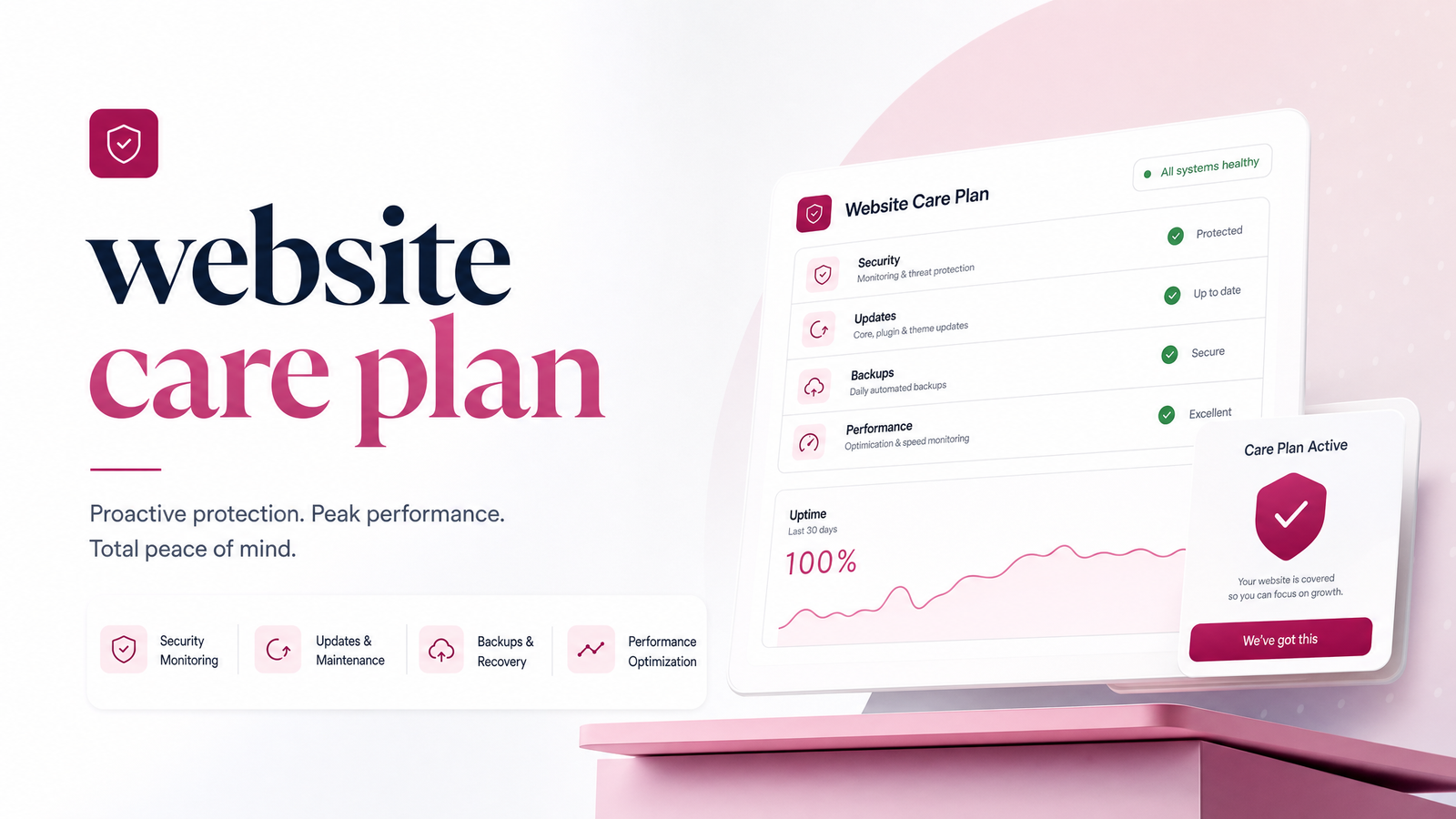
Your site just went live, the invoice is paid, and the freelancer or agency who built it has moved on. Nobody mentioned what happens next — and that's where a website care plan steps in.
What Is a Website Care Plan, Exactly?
A website care plan (also called a website maintenance plan) is an ongoing service that keeps a live site secure, working, and current after launch. It's not hosting, which is just the server space your site lives on, and it's not domain renewal, which keeps your address registered year to year. You need both — see Domain and Hosting Explained (Without the Jargon) if that distinction is still fuzzy — but neither touches the software running your site or the content on it.
A real care plan covers five things: security and software updates, backups, uptime monitoring, small content edits, and regular reporting. Hosting keeps the lights on; a care plan is the person actually checking the wiring.
What Should Be Included
Use this as a checklist against any quote you're handed — if a provider's plan is missing more than one of these, it's hosting with a markup.
- Security and software updates. CMS core, theme, and plugin patches applied on a schedule, not "whenever someone remembers." This is the single biggest driver of what's included in a maintenance package, since outdated software is the top way sites get compromised.
- Backups. Automated, stored off-server, and actually tested for restoration — not just a checkbox assuming it would work if needed.
- Uptime monitoring. Automated alerts the moment a site goes down, so someone notices before your customers do.
- Small content edits. Text tweaks, image swaps, a new team bio, a price update — the low-effort SEO maintenance and content refresh that keeps a site accurate without a full redesign.
- Reporting. A simple monthly or quarterly summary showing what was updated, backed up, and any issues caught — proof the plan is doing something, not just billing you.
How Often Things Actually Need Attention
"Set and forget" is the most expensive mistake a site owner can make. Patchstack's State of WordPress Security research found 7,966 new vulnerabilities disclosed in 2024 — roughly 22 a day — with 96% concentrated in plugins, as detailed in this breakdown of update frequency. That's not a once-a-year problem; it's constant.
A sane cadence, based on the framework in this maintenance checklist:
- Security patches: within days of release, sometimes immediately for critical fixes
- Content edits: quarterly, or whenever pricing, hours, or offerings change
- Technical audit (broken links, page speed, SEO basics): every six months
- Design refresh: every 2–3 years, as trends and conversion best practices shift
Asking how often a website should be updated is really asking five separate questions with five separate answers — exactly why a bundled plan exists instead of one flat "maintenance" line item.
What a Website Care Plan Should Cost
Realistic monthly maintenance cost for a small business site in 2026 typically falls between $50 and $500, according to this cost breakdown, which splits that range across five jobs: hosting, domain/email, software updates, security/backups, and content edits.
Where you land depends on: how many pages need edits, whether the site runs e-commerce or booking functionality, how often you request changes, and whether reporting and priority support are included. A basic brochure site with quarterly edits sits at the low end; a multi-location business site with monthly content pushes and e-commerce security needs sits higher. If a quote lands far outside $50–$500 with no functionality to justify it, ask what's driving the number — a legitimate answer names a task, not a vague "premium service" label. For the initial build cost, see How Much Does a Business Website Cost in 2025?.
DIY vs. Freelancer vs. Bundled Care Plan
Whether you need a care plan at all depends on how much of this you're willing to own yourself.
DIY costs the least in dollars but the most in time and risk. You're the one applying plugin updates, checking that backups actually restore, and monitoring uptime — on top of running your business. One missed patch during a vulnerability spike is how sites get compromised.
Freelancer, pay-as-you-go works for occasional fixes but breaks down for anything urgent. There's no monitoring between requests, no guaranteed response time, and if that freelancer disappears — a common story — you're back to square one with no backups and no support.
Bundled, done-for-you plans fold security, backups, monitoring, edits, and reporting into one predictable monthly fee. This is the meaningful difference in the maintenance plan vs. freelancer comparison: a freelancer sells hours; a bundled plan sells outcomes, with someone accountable if something breaks at 2 a.m.
Red Flags in a Maintenance Contract
Before signing anything, watch for these red flags:
- No reporting. If you can't see what was actually done, you're paying for a promise.
- Vague edit limits. "Content updates included" with no defined number or turnaround time invites disputes later.
- Long lock-in contracts. A 12-month commitment with no exit clause is a warning sign, not a discount.
- No named backup/security process. If they can't describe how backups are stored or tested, assume they aren't.
- Bundled pricing with no breakdown. If a provider won't say what's driving the number, part of it is usually padding.
How LaunchEvra's Care Plan Works
LaunchEvra's care plan covers the full checklist above — security patching, tested backups, uptime monitoring, monthly content edits, and a plain-language report — as one flat fee, with no separate hosting or domain surprises. It's built for owners who want the done-for-you option: no learning WordPress, no chasing a freelancer who's gone quiet, no guessing whether a quote is fair. See exactly what's included at Pricing. If you've already launched, Turn Website Visitors Into Customers After Launch is a natural next read.
Frequently Asked Questions
Do I really need a website care plan, or can I just leave my site alone once it's live?
You need some form of ongoing care — leaving a site fully alone isn't safe. With 96% of disclosed vulnerabilities concentrated in plugins and roughly 22 new ones found per day, an unpatched site is a growing target, not a static asset. The question is who handles that upkeep, not whether it needs to happen.
What's the difference between hosting, domain renewal, and a website care plan?
Hosting is server space, domain renewal keeps your web address registered, and a care plan is the ongoing work of patching software, backing up data, monitoring uptime, and making small edits. You need all three, but they're separate services even when bundled into one invoice.
How much should a small business expect to pay for a website care plan each month?
Most small business care plans run $50–$500 per month, depending on site complexity, edit frequency, and whether e-commerce or booking features are involved. A basic informational site with quarterly edits sits near the low end; a site needing monthly changes and tighter security sits higher.
What happens if I skip maintenance and my website gets hacked or breaks?
Without current backups and security patches, recovery can mean lost content, lost search rankings, and downtime while a fix gets rebuilt from scratch. Vulnerabilities are disclosed constantly, and unpatched plugins are the most common entry point — recovery cost almost always exceeds months of maintenance fees.
Can I cancel a website care plan if I decide to handle updates myself?
Yes, with a reputable provider — look for a plan with no long lock-in contract before signing. Legitimate plans let you cancel and take over updates yourself; anything requiring a lengthy commitment with no exit option is a red flag worth questioning upfront.
How is a website care plan different from paying a freelancer for occasional fixes?
A care plan provides continuous monitoring, scheduled patching, and accountable reporting for one predictable fee; a freelancer typically only acts when you reach out, with no monitoring in between. That gap matters most for security, since vulnerabilities need addressing within days, not whenever a freelancer is next available.
Whichever path fits your situation, the choice comes down to time versus cost: DIY saves money but demands ongoing attention, a freelancer covers occasional fixes but leaves gaps between requests, and a bundled plan trades a flat monthly fee for someone else owning the risk. If you'd rather not think about plugin updates or backup logs again, see what's included at Pricing, or start with Web Design for Small Business: 5 Paths Compared if you're still deciding how to get a site built in the first place — either way, Launchevra can take the technical side off your plate.
Originally published on Rankevra.