
Website Accessibility for Small Business: The Real Rules
22 September 2026
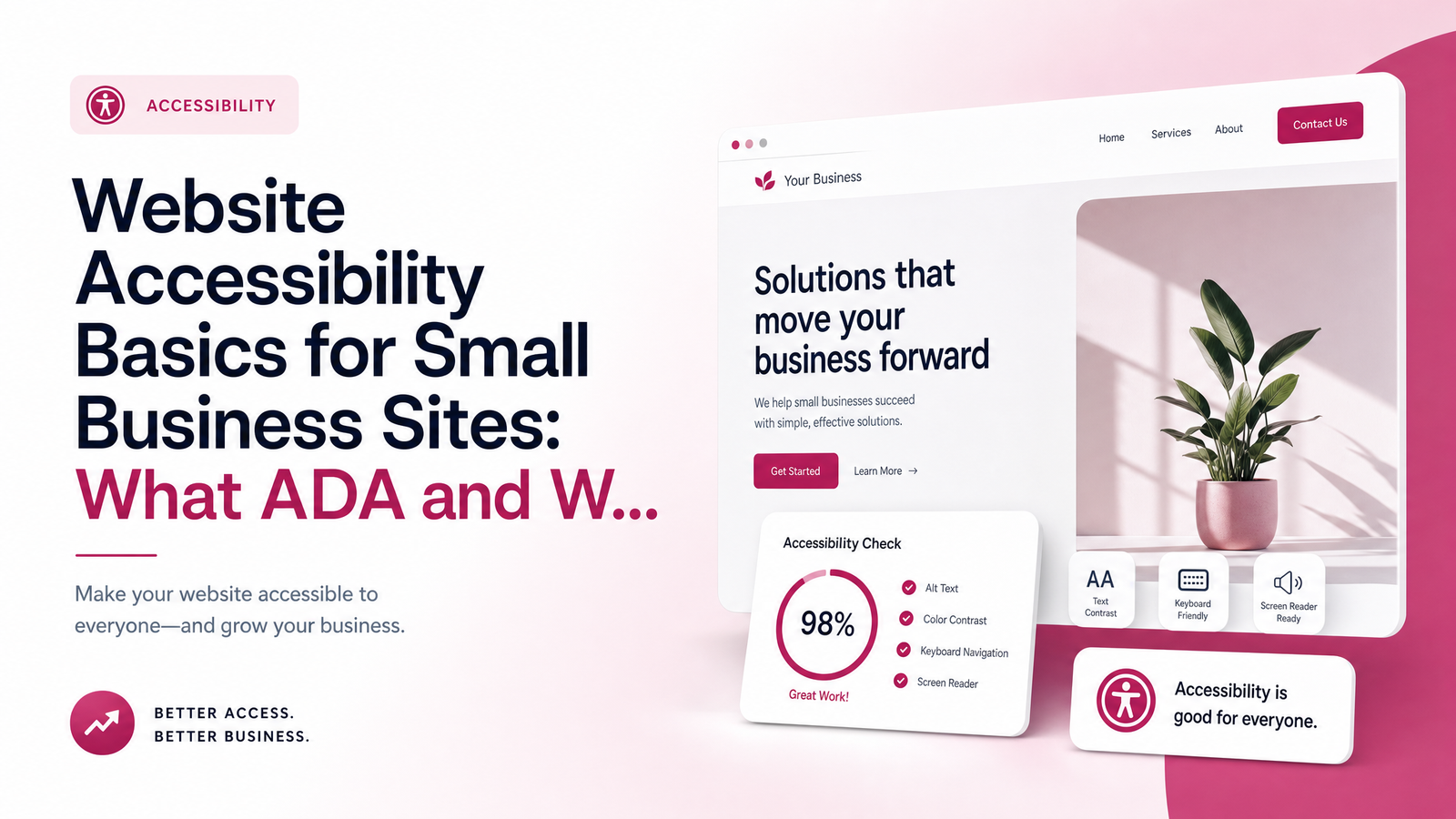
Does "ADA compliant website" even apply to a small business?
Search "website accessibility" and you'll find articles about government deadlines, Title II regulations, and federal agency compliance dates. None of that applies to you. Those rules — including the DOJ's 2024 Title II final rule and its 2026 compliance extension — govern state and local government websites, not private businesses.
So do small businesses need to be ADA compliant online? There's no small-business exemption, but there's also no single named federal technical standard written specifically for private businesses under ADA Title III. Title III bans disability discrimination in "places of public accommodation," and courts have increasingly read that to include websites — but Congress never wrote a specific technical rulebook for private-sector sites the way it did for government ones. That gap is why so much of what you find online is either irrelevant government content or vague reassurance that nothing applies to you. Neither is true. There's no countdown clock, but there's also no free pass.
What WCAG 2.1 AA actually means, in plain English
In the absence of a named legal standard, courts, regulators, and settlement agreements consistently point to one benchmark: the Web Content Accessibility Guidelines, developed by the W3C. WCAG 2.1 Level AA has become the de facto yardstick — not because a law names it, but because it's what plaintiffs' attorneys cite, what judges reference, and what most settlements require businesses to adopt going forward.
WCAG organizes everything around four principles, often shortened to POUR:
- Perceivable — information has to be presented in ways people can actually take in, whether that means alt text for screen readers or enough color contrast for low-vision users.
- Operable — every function needs to work without a mouse, since many users navigate entirely by keyboard or assistive device.
- Understandable — content and navigation should behave predictably, with clear labels and consistent layout.
- Robust — the code needs to work reliably with assistive technologies like screen readers, now and as those tools evolve.
"Level AA" is the middle tier of strictness — not the bare minimum (A), not the most exhaustive (AAA), but the level almost universally treated as the practical compliance target.
Why this matters now: the lawsuit risk is real, not hypothetical
For a small business, accessibility enforcement doesn't arrive as a government fine — it arrives as a demand letter or a federal lawsuit under Title III. A visitor (often working with a law firm that files these regularly) finds your site lacks basic accessibility features, and you receive a letter demanding remediation and payment, or you're named in a suit. These filings have climbed steadily for years, and small and mid-sized business websites are common targets precisely because they're easier wins than large corporations with dedicated legal teams.
This isn't the same risk profile as the Title II deadlines dominating headlines — that litigation and compliance pressure continues independent of any government timeline. Waiting for an official deadline that governs your business is waiting for something that doesn't exist. The exposure is already live.
The 8 fixes that cover most of the real risk
You don't need a full technical audit to meaningfully reduce risk. Most demand letters and lawsuits cite the same handful of issues. A practical website accessibility checklist:
- Alt text on all meaningful images, so screen readers can describe them.
- Color contrast strong enough between text and background to be read by low-vision users.
- Keyboard navigation — every menu, form, and button reachable and usable without a mouse.
- Form labels that are programmatically tied to their fields, not just placeholder text.
- Video captions for any video content with spoken audio.
- Logical heading structure (H1, H2, H3 in order) so screen reader users can navigate by section.
- Visible focus indicators showing keyboard users where they are on the page.
- Descriptive link and button text — "download the price guide," not "click here."
None of this requires deep technical knowledge to understand, but it does require deliberate work during design and development. These aren't add-ons bolted onto a finished site — they're decisions made while it's being built.
Why accessibility overlay widgets aren't a real fix
If you've researched this at all, you've seen the ads: install a script, get an "ADA compliant" badge overnight. Accessibility overlay widgets promise to scan your site and automatically inject fixes. In practice, they typically catch a narrow slice of surface-level issues while leaving structural problems — broken keyboard navigation, mislabeled forms, missing captions — completely untouched.
Courts and disability advocacy groups have pushed back hard on this approach. One of the most prominent overlay vendors, AccessiBe, has itself faced lawsuits and public criticism from accessibility experts and blind users who found the widget actively interfered with their screen readers. Plaintiffs' firms have grown aware of overlays too, and a widget on your site doesn't reliably deter a demand letter — in some cases it's cited as evidence the business knew accessibility mattered but chose a shortcut over a genuine fix.
The credible alternative is building the site correctly the first time: semantic HTML, proper labeling, real contrast ratios, and tested keyboard flows — not a script hoping to patch over the gaps afterward.
Getting your site right without becoming a compliance expert
You don't need to become an accessibility lawyer or hire an auditor to move forward responsibly. What most small businesses actually need is a website built by people who treat WCAG 2.1 AA as a baseline standard, not an afterthought — the same way you'd expect a contractor to meet building code without you personally learning the code. If you're weighing whether to fix an existing site yourself or bring in help, it's worth understanding what to expect from a small business website agency before you decide.
This is exactly the gap Launchevra's ADA-conscious website design service is built to close: sites are designed and coded with accessibility principles included from the first draft, not patched in with a widget afterward. You can see current packages on the pricing page.
Accessibility is a build-quality question, not a checkbox you buy separately. If you're unsure how your current site handles the basics — alt text, contrast, keyboard flow — Launchevra can take a free look and tell you plainly where you stand, or show you how accessible fundamentals are built into every site from day one.
Frequently Asked Questions
Do small businesses legally have to be ADA compliant online?
There's no small-business exemption from the ADA, but there's also no single named federal technical standard for private-sector websites the way there is for government sites under Title II. Title III's general nondiscrimination requirement still applies, and courts have repeatedly held that business websites fall under it. In practice, WCAG 2.1 AA is treated as the working standard.
What happens if my website isn't accessible?
The realistic consequence is a demand letter or a Title III lawsuit, not a government fine. A visitor or advocacy-affiliated law firm identifies barriers on your site and demands remediation, often with a monetary payment attached. These filings have been rising steadily and frequently target small and mid-sized businesses.
Is WCAG 2.1 or 2.2 the standard I should follow?
WCAG 2.1 Level AA is the most widely cited benchmark in settlements and litigation today, so it's the safest practical target. WCAG 2.2 has since been released and adds a few additional success criteria, so building toward 2.2 where feasible offers extra protection without conflicting with 2.1 AA.
Will an accessibility widget protect me from a lawsuit?
No — overlay widgets typically fix only surface-level issues and leave structural problems like broken keyboard navigation or mislabeled forms untouched. Some vendors, including AccessiBe, have faced lawsuits themselves, and plaintiffs' attorneys are increasingly aware widgets don't equal genuine compliance.
How much does it cost to make a website accessible?
Cost depends on whether you're retrofitting an existing site or building new, since retrofits require auditing and reworking already-built pages. Building accessibility in from the start, as part of a professionally designed site, is typically more cost-effective than remediating problems after the fact.
Can I check my own website's accessibility for free?
Yes, to a point — free browser extensions and tools can flag issues like missing alt text or poor color contrast. They won't catch everything, particularly usability problems only real screen-reader or keyboard testing reveals, but they're a reasonable first step before deciding whether to bring in professional help.
Originally published on Rankevra.