
Turn Website Visitors Into Customers After Launch
16 September 2026
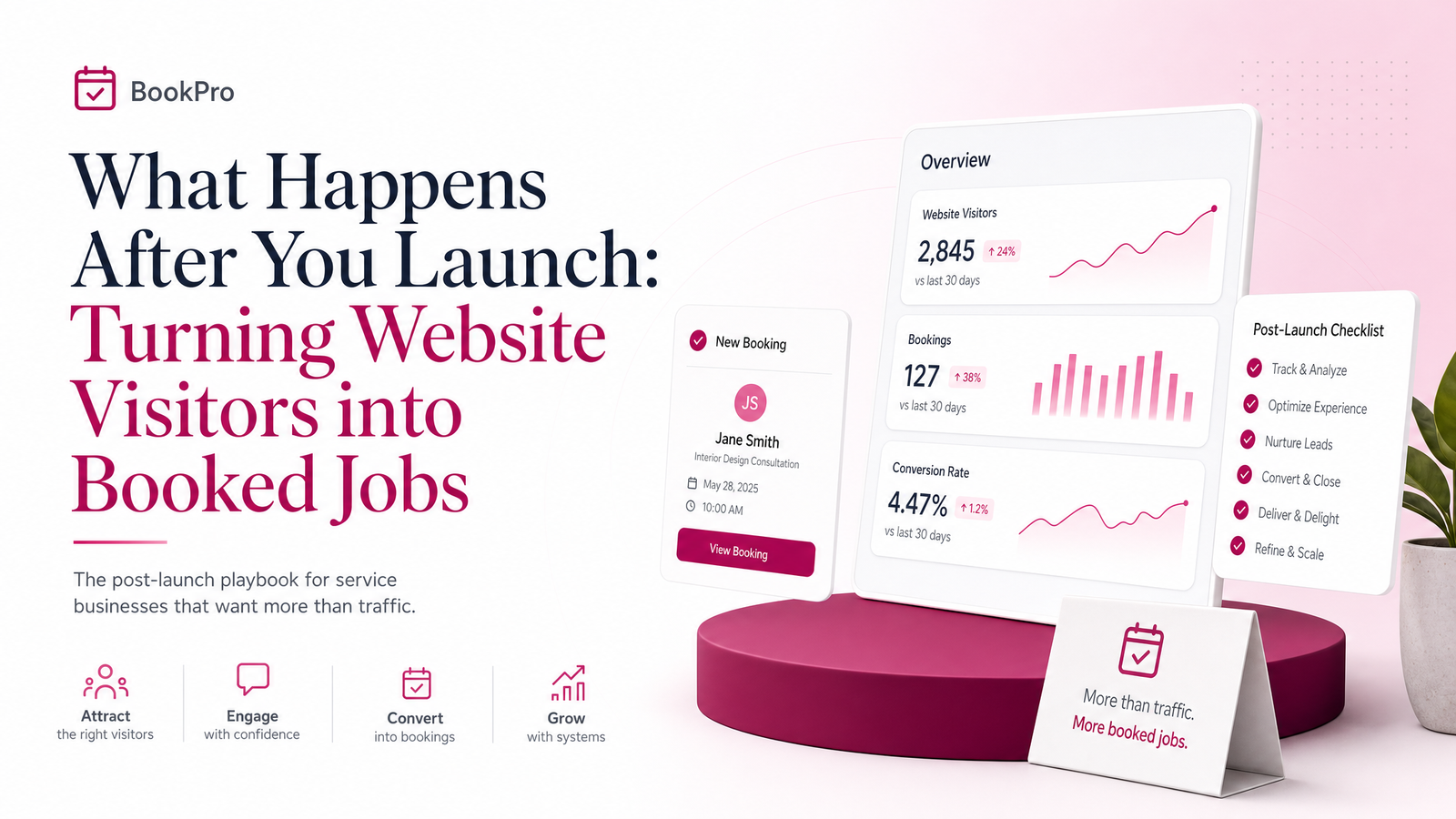
Your Site Is Live. So Why Isn't the Phone Ringing?
You launched. The site looks sharp, Google Analytics shows people landing on it, and you finally exhaled after weeks of copy edits and photo uploads. Then... nothing. No calls. Maybe one form fill that never turned into a booking.
This is the moment where a lot of business owners assume the website failed. It didn't — but it isn't finished either. After launch, the real work begins: turning visitors into customers instead of anonymous traffic. Launch is day one, not a finish line. Most lost jobs at this stage aren't a design failure. They come down to three fixable things: how fast you respond, how clear your page asks people to act, and whether you follow up more than once. Fix those, and traffic that already exists starts converting into booked work.
What a 'Good' Conversion Rate Actually Looks Like
Before troubleshooting anything, you need a realistic benchmark — otherwise you'll either panic over normal numbers or celebrate a rate that's actually underperforming.
Across industries, a website conversion rate of 1-4% is typical, according to conversion benchmark data. For local service businesses specifically — contractors, clinics, salons, consultants — 2-3% on contact forms and phone clicks combined is a reasonable average, per small business conversion research.
So if you're getting 300 visits a month and landing 6-9 inquiries, you're in normal range — the issue is likely what happens after the click, not the traffic itself. If you're getting hundreds of visits and one or zero inquiries, something on the page or in your process is genuinely broken, worth digging into rather than assuming you just need "more traffic."
The First 5 Minutes: Why Response Speed Beats Everything Else
Here's the part most new business owners underestimate: speed to lead matters more than almost anything else you can control after someone fills out a form.
Responding within five minutes can make you up to 100 times more likely to convert a lead than waiting 30 minutes, according to a lead response time study, and 78% of customers buy from whichever business responds first. Separately, speed-to-lead statistics show 35-50% of sales go to the vendor who responds first — and for on-demand categories like med spas and dentists, customers expect a response within minutes, not hours.
A lead sitting in your inbox overnight isn't just delayed — it's often already gone to a competitor who called back in ten minutes. Practical steps for a solo operator or two-person team:
- Turn on instant call/text/email alerts the moment a form is submitted, so it doesn't wait for you to check your inbox.
- Set up a short auto-reply confirming you received the inquiry and stating when you'll call — this buys you time without losing the lead's confidence.
- Decide, in advance, who actually answers the phone during business hours. "Whoever's free" often means nobody.
If you run a trade business, conversion-focused page design for plumbers covers how response speed pairs with page layout to convert calls, not just clicks.
Four Things on the Page That Quietly Kill Bookings
Once your response process is solid, audit the page itself. These are the most common conversion killers for small business sites, and none require a redesign to fix:
1. Buried contact info. If someone has to scroll or hunt for your phone number, they'll leave. Your number should be visible in the header on every page, and click-to-call should work on mobile without a second tap.
2. Vague calls-to-action. "Learn More" tells a visitor nothing about what happens next. Calls to action that convert are specific: "Call Now for a Free Quote," "Book Your Appointment," "Text Us a Photo of the Issue."
3. No trust signals. Visitors comparing three businesses on their phone need a reason to pick you. Testimonials, before/after photos, licensing badges, and years-in-business all reduce hesitation. This matters even more for professional services — see how consultants build credibility through page design.
4. Forms that ask too much. Every extra field is a reason to abandon. Name, phone, and a one-line description of the job is usually enough — you can get details on the call. If bookings (not just inquiries) are your goal, salons and studios often convert better with a direct scheduling flow — booking-specific tactics for salons walks through what that looks like.
Building a Simple Follow-Up System (No CRM Required)
Speed gets someone to answer. Follow-up is what closes the job — and most small businesses stop after one attempt.
A basic follow-up system doesn't require expensive software. A shared spreadsheet with columns for name, contact info, date inquired, and follow-up status works fine for a solo owner or small team. The key is consistency: call within minutes if possible, follow up by text the next day if you don't reach them, and try once more within the week. Lead management fails most often not from lack of tools but from leads simply being forgotten after the first missed call.
If your volume grows past what a spreadsheet can track cleanly, a simple CRM or booking software with built-in reminders becomes worth the switch — but don't buy tools to solve a discipline problem. If online booking itself is the gap, this comparison of website builders with booking systems is worth reading before you commit to a platform.
When It's Time to Get Help
Running the job, answering calls, following up on leads, and monitoring your site's performance is a lot to carry alone — most owners don't have the hours to also become their own conversion rate optimization specialist. This is where post-launch website support earns its keep: someone checking that your CTAs, load speed, and lead capture are still working weeks and months after launch, not just on day one.
If you're not sure whether your site's problem is response speed, page structure, or follow-up, a straightforward website audit will usually tell you in an afternoon. Launchevra builds these fixes in from the start — fast-loading pages, visible phone numbers, clear CTAs, and Google Business Profile alignment — and offers ongoing support for sites that need a tune-up rather than a rebuild. Check current options on the pricing page, or request a free post-launch site check to find out exactly what's costing you bookings right now.
Frequently Asked Questions
Why is my website getting traffic but no leads or bookings?
The most common causes are slow response to inquiries, buried or unclear contact information, weak calls-to-action, and a lack of trust signals like testimonials. Traffic volume is rarely the actual problem — most small business sites convert 1-4% of visitors, so low numbers often point to what happens on the page or after the click.
How quickly should I respond to a new website inquiry?
Within five minutes if at all possible. Responding in five minutes rather than 30 can make you up to 100 times more likely to convert the lead, and 78% of customers buy from whoever responds first.
What's considered a good conversion rate for a small business website?
Generally 1-4% across industries, with local service businesses like contractors typically seeing 2-3% on contact forms and phone clicks combined. If you're within that range, your site is likely performing normally and the bigger gains will come from follow-up and response speed.
Do I need expensive software to follow up with leads properly?
No — a shared spreadsheet tracking contact details, inquiry date, and follow-up status works fine for solo owners and small teams. A CRM or booking tool becomes worth it once lead volume grows beyond what a simple tracker can manage cleanly.
What's the single biggest change that improves website conversions?
Speed of first response. Since 35-50% of sales go to whichever business responds first, setting up instant alerts for form submissions and calling back within minutes typically produces the fastest measurable improvement.
Should I redesign my site if it's not converting, or fix something smaller first?
Fix the smaller things first — visible phone numbers, clearer CTAs, trust signals, and shorter forms — before considering a redesign. Most conversion problems come from these fixable elements and from follow-up process, not from the overall design needing to be scrapped.
Originally published on Rankevra.