
The Website Launch Checklist Every Small Business Needs
17 September 2026
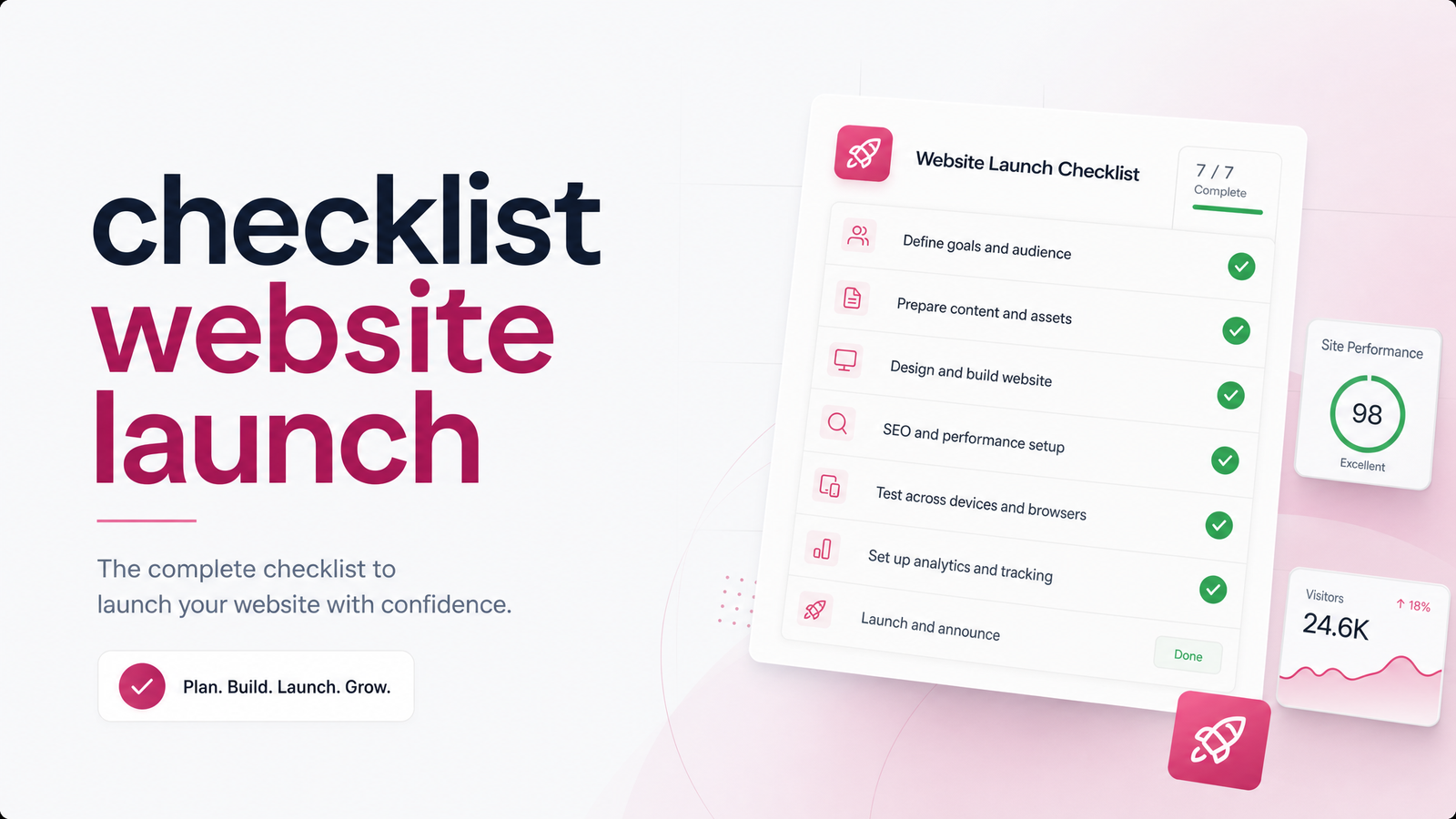
Most website launch checklists are written for developers. They run 50 to 150 items deep, packed with terms like canonical tags, WCAG audits, and schema validation — useful if you're an agency QA-ing an enterprise build, overwhelming if you're a contractor or clinic owner just trying to get a working site live.
This is a shorter, plain-language checklist website launch guide built for exactly that second group: solo owners and small teams who need their site to actually work and show up in Google, without needing a computer science degree to understand why.
Why a Launch Checklist Actually Matters
A finished-looking website can still be functionally invisible. One leftover "noindex" tag from staging, one broken contact form nobody tested, one missing SSL certificate — any of these can quietly sink a site that looks perfect to the human eye. Google won't rank a page it's been told to ignore. A visitor won't call a business whose form silently fails to send.
The stakes aren't hypothetical: a small business site with these problems can sit live for weeks — sometimes months — before the owner notices the phone isn't ringing and starts digging. By then, the cost isn't just a bad first impression; it's lost leads that never came in at all. That's the case for a short, deliberate checklist rather than hoping the default settings were right.
Before You Publish: Content & Basic Setup Checklist
This is the pre-launch website checklist — the human-readable stuff, no code required. Walk through it page by page before you tell anyone the site is live:
- Every page has a clear purpose and a call to action. A visitor should always know what to do next — call, book, request a quote — not just read about you.
- Contact info is correct everywhere it appears — header, footer, contact page, and any quote or booking widget. Typos in a phone number are shockingly common and costly.
- Every form has been tested end-to-end, including checking that submissions actually arrive in an inbox you monitor, not a spam folder or an address nobody checks.
- Images load properly and are compressed, not oversized files that slow the whole site down.
- The mobile view has been checked on an actual phone, not just a resized browser window. Most local service traffic is mobile.
- Legal pages are present — a privacy policy and terms page, especially if you collect any contact or payment information.
These are the things to check before launching a website that have nothing to do with SEO and everything to do with whether the site actually functions as a lead-generating tool.
The Technical & SEO Checklist (Don't Skip These)
This is the technical SEO checklist new website owners most often skip — not because it's hard, but because nobody explains what these settings actually do.
- SSL/HTTPS is active. This is the padlock icon in the browser bar. Without it, browsers flag your site as "not secure," hurting trust and rankings alike. This ties directly into how your domain and hosting are configured.
- No leftover "noindex" tag or Disallow rule in robots.txt. Sites built on staging servers are usually set to hide from Google on purpose. If that setting isn't removed at launch, the finished site stays invisible — and nothing looks broken, so nobody notices.
- An XML sitemap exists and is submitted to Google. This is essentially a map handed directly to search engines so they can find every page quickly instead of stumbling onto them eventually.
- Every key page has a unique title tag and meta description, not the same default text copied across the whole site.
- Page speed has been checked, especially on mobile — slow load times cost both rankings and impatient visitors.
- Mobile responsiveness is confirmed on the live site, not just the design mockups.
This robots.txt, sitemap, SSL checklist covers a small handful of settings, but they're disproportionately responsible for "why isn't my new site showing up on Google" support requests.
Set Up Tracking Before You Go Live
Install Google Search Console verification, GA4 (or an equivalent analytics tool), and conversion tracking for form submissions, calls, and bookings — all before launch, not after.
Doing this before going live matters because it starts the clock immediately. Search Console needs time to gather indexing and search performance data, and every day it isn't installed is a day of blind spots you can never get back. Backfilling analytics later means guessing what happened in your first weeks live instead of knowing.
Launch Day and First-Week Checklist
The launch day website checklist is short and sequential:
- Verify the domain's DNS is pointed correctly and the live URL loads the finished site — not a cached staging version.
- Re-check the site on the actual live domain, not just the staging link, since settings can differ between the two.
- Submit the sitemap to Google Search Console.
- Click through every page and test every form, one final time, on the live URL.
- A few days to a week later, check that pages are getting indexed and search performance data is starting to appear.
Avoid launching on a Friday. If something breaks, you want a full business week to catch and fix it — not a weekend where issues sit untouched. The first week after launch is also when you should watch for indexing errors, broken links from other sites pointing to old URLs, and form delivery, before shifting attention to turning visitors into customers.
3 Mistakes That Quietly Sink a New Website
These are the common website launch mistakes behind most "why is my site invisible" problems:
- A leftover staging noindex tag or robots.txt block — the single most common reason a finished site never shows up in search.
- A broken contact form with no delivery test — the site looks fine, but every lead silently disappears.
- No analytics or tracking installed until weeks in — by the time it's added, the launch data that would have shown what worked is already gone.
A checklist — or a team that runs one for every client, every time — is what stands between a site that launches and a site that actually performs.
Running through all of this alone typically takes several hours spread across content, technical settings, and tracking, and it only takes one missed setting to block Google entirely without any visible symptom. If comparing that effort against paying for a done-for-you build, it's worth seeing what a business website costs in 2025. Launchevra builds, checks, and launches the entire site — content, technical setup, tracking, and this exact checklist — so nothing gets missed on day one. After launch, ongoing monitoring is covered by a website care plan. See pricing to get started.
Frequently Asked Questions
What's the single most important thing to check before a website goes live?
Confirm there's no leftover "noindex" tag or robots.txt block from the staging version. This single setting determines whether Google can see the site at all, and it's the most common reason a finished site is invisible on launch day.
How long does it take for Google to index a brand-new website?
Anywhere from a few days to a few weeks, depending on the site and whether a sitemap was submitted through Google Search Console. Submitting the sitemap at launch speeds this up considerably compared to waiting for Google to find the site on its own.
Do I need Google Analytics and Search Console set up before or after launch?
Before launch. Installing tracking beforehand means data starts collecting from day one, so you can see exactly how the site performs from launch rather than backfilling guesses later.
What happens if I forget to remove the "noindex" or staging settings before launch?
The site stays hidden from Google even though it looks fully live and functional to visitors. Nothing appears broken, which is why this mistake often goes unnoticed for weeks until traffic never shows up.
Is it a bad idea to launch a website on a Friday?
Yes, generally. Launching earlier in the week leaves a full business week to catch and fix any issues, instead of discovering a problem on a weekend when it's harder to resolve quickly.
What should I check on my website in the first week after launch?
Check that pages are getting indexed in Google Search Console, confirm forms are still delivering correctly, and watch analytics for early traffic and conversion data. This first week sets the baseline for spotting problems before they cost real leads.
Originally published on Rankevra.